Clara - Wedding & Party Planner Template Kits Latest Version
Elementor Kits Themeforest 4.8 (3.4K reviews)
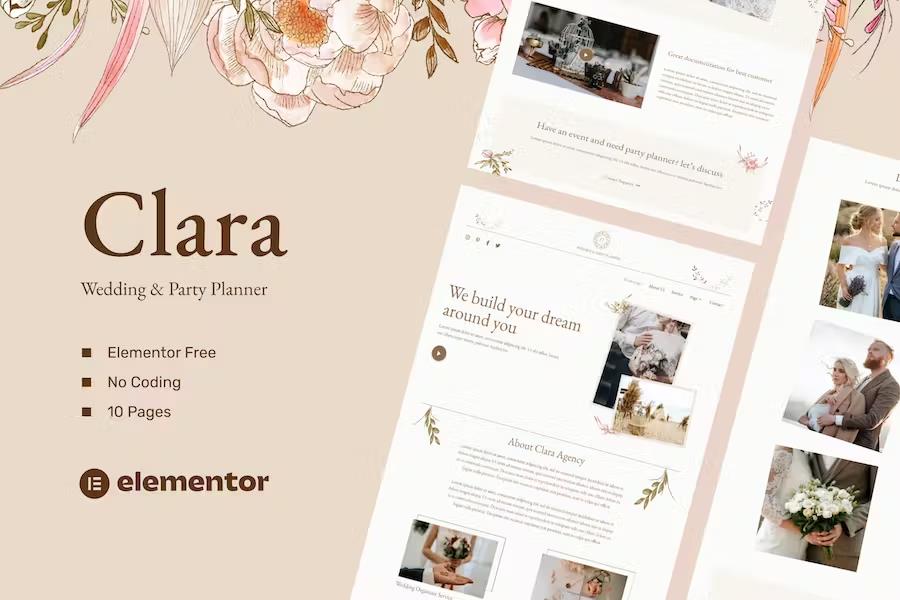
Clara is an Elementor template kit designed specifically for building websites for wedding planners, event coordinators, and party planning businesses using WordPress. Rather than functioning as a standard WordPress theme, this product provides pre-built page content that works directly with the Elementor page builder plugin. The layout collection arrives with a modern and professional aesthetic suited for showcasing event design portfolios, detailing coordination packages, and introducing planning teams to prospective clients. Building pages happens entirely through a visual drag and drop interface, meaning site owners can construct their web presence without touching any code. Global styling controls allow users to modify fonts and colors across the entire site from a single location, while individual elements retain fine-tuning options for precise visual adjustments. Performance optimization ensures the layouts load quickly for visitors browsing event galleries and service offerings on various devices. Setting up the kit requires a WordPress installation running version six or higher, alongside the Elementor plugin, a compatible theme such as Hello Elementor, and proper server PHP and memory configurations.
The collection includes numerous pre-designed page templates covering all the essential sections needed for an event planning business website. Visitors can land on a dedicated homepage layout that highlights core coordination services before exploring an about page detailing company history and philosophy. Additional layout options include service pages for detailing tiered planning packages, portfolio pages for displaying past weddings and parties, and team pages for introducing individual coordinators. Content sharing is supported through a main blog layout alongside single post templates for industry tips and company news. Contact pages give clients a direct way to reach out for consultations, and a standard four hundred four error page is also included to handle broken links gracefully. Each layout is constructed to integrate smoothly with the page builder, allowing site managers to swap out placeholder text, adjust spacing, and arrange sections to match specific branding requirements without complex technical steps.
Several supplementary plugins work alongside the kit to add extra functionality, including Element Pack Lite, ElementsKit Lite, and MetForm. ElementsKit handles the global header and footer setups, letting users import navigation menus and site footers across the entire domain through a straightforward setup process. Forms for client inquiries and consultation bookings are managed via MetForm, which uses dedicated block templates that import alongside the main page layouts. Activating these forms involves placing the widget onto the desired page, opening the builder interface, and inserting the imported form template from the personal template library. Images shown in the demo presentation originate from Envato Elements and are not included in the final download files, meaning site administrators must license those specific assets separately or replace them with personal photography. Proper configuration of these imported blocks ensures that contact submissions and navigation menus function correctly for visitors browsing the live site.
Similar products

 Themeforest

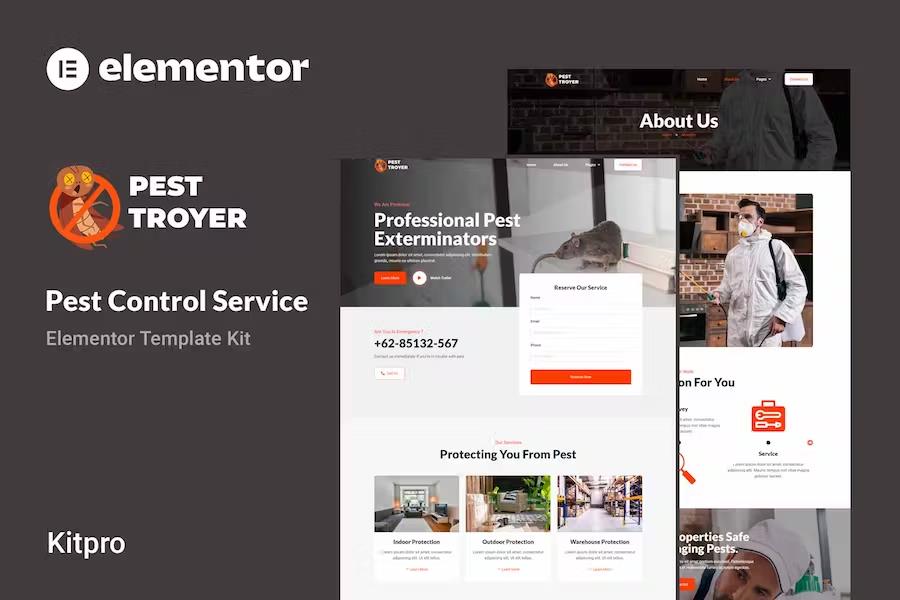
Getting the kit onto a WordPress installation relies on the official Envato Elements plugin to transfer the files directly to the content management system. Meeting basic server requirements is essential before beginning the installation process, including running PHP version seven or higher with the PHPZip extension enabled, alongside MySQL version 5.6 or MariaDB version 10.0 or greater. The server memory limit should be set to 512 megabytes to ensure smooth template importing and plugin operation. Modern web browsers like Chrome or Firefox provide the best compatibility for managing the visual editor during site construction. Following standard import procedures brings all page content, forms, and layout structures directly into the WordPress dashboard, where site owners can begin personalizing text, swapping images, and publishing their professional event planning website to the public internet.
- Item type
- template kit
- Category
- Elementor Kits
- Version
- Latest Version
- Availability
- In stock
- Delivery
- Digital
- Last updated
- August 2, 2026
This page summarizes the available listing data for Clara - Wedding & Party Planner Template Kits in Elementor Kits. The item type is recorded as template kit, with further details shown below.
Usage rights depend on the license selected at checkout. Review the complete terms before using this item for client work, redistribution, SaaS, or more than one end product.