CobaltApps Dynamik Website Builder For Genesis 2.6.9.5
Wordpress Themes Cobaltapps 4.8 (4.2K reviews)
CobaltApps Dynamik Website Builder is a child theme built for the Genesis Framework. It takes the dependable foundation Genesis provides and adds a complete design suite on top. Instead of editing theme files or wrestling with custom CSS, you work with point-and-click controls that live right inside your WordPress administration screen. The entire toolkit is made for making visual decisions without touching code. Because it is a child theme, your customizations stay separate from the parent theme, so future updates to Genesis won't wipe out your work. The design options cover nearly every visible part of your site, from the overall layout down to the smallest details. The goal is to remove the technical barriers between you and the design you have in mind. If you have a Genesis-powered site, this builder lets you shape how it looks from one central location, giving you the kind of control that usually comes from hiring a developer.
Related products

 Themeforest

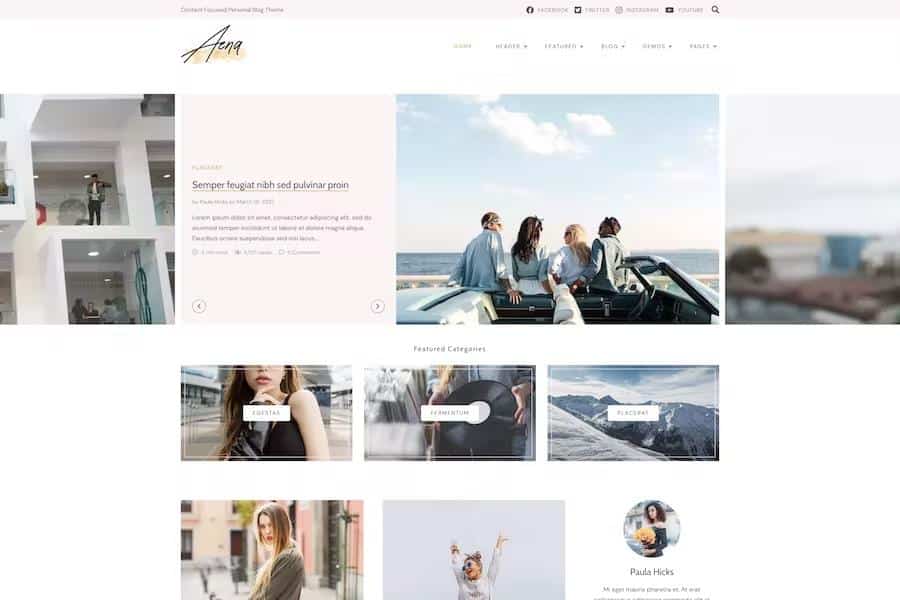
A standout feature is Site Preview Mode. This mode shows your design changes as you make them, rather than forcing you to save and reload the page to see the result. Every adjustment you make with the controls appears immediately on the front end of your site. That immediate feedback makes the design process feel fluid and intuitive. The interface organizes settings into logical groups, so you are not hunting through a tangled list of options. You can move between general layout, content area, and widget areas without losing your place. The point-and-click controls let you select an element on the page and modify it directly, which is far easier than guessing which setting controls a particular area. Such a direct approach is useful for people who know what they want visually but do not want to learn the underlying code. The result is a more direct way to build and refine a WordPress site.
Speed is a major concern for anyone building a website, and this product addresses that with Dynamik Skins. Skins are pre-customized design presets that give your site a complete look with a single click. You can use one as a starting point and then adjust every detail to match your brand. This cuts out the blank-canvas problem, where you stare at a default theme and wonder where to begin. The builder includes hundreds of design controls, all of which can be operated without writing any code. These controls are organized to cover everything from the width of the layout to the style of the navigation menu. The combination of skins and granular controls means you get both a running start and the ability to fine-tune. Instead of searching for an obscure option in a theme panel, you can find what you need quickly. The process becomes approachable for newcomers. That is true even for those who have never opened a theme editor.
Because this is a child theme, the Genesis Framework is required for it to function. If you do not already have Genesis installed, you will need to install it before activating this theme. The download itself is a standard WordPress theme zip file. You can upload it through the WordPress admin panel and activate it like any other theme. Once activated, the builder panel becomes available in your dashboard, and you can begin customizing right away. All the design settings are stored in your WordPress database, so you can switch themes and still have your work preserved. This is a straightforward setup for anyone familiar with WordPress theme installation. It contains no additional plugins or external services, so the design controls work entirely within your own site. For anyone using Genesis, this tool adds a layer of design flexibility that the standard framework does not provide right out of the box.
- Item type
- theme
- Category
- Wordpress Themes
- Version
- 15210114
- Availability
- In stock
- Delivery
- Digital
- Last updated
- September 3, 2026
For shoppers browsing Wordpress Themes, CobaltApps Dynamik Website Builder For Genesis is recorded as a theme. The page below separates supplied product information from general store and license terms.
Usage rights depend on the license selected at checkout. Review the complete terms before using this item for client work, redistribution, SaaS, or more than one end product.