Construe - Construction Company Elementor Template Kit Latest Version
Elementor Kits Themeforest 4.8 (3.6K reviews)
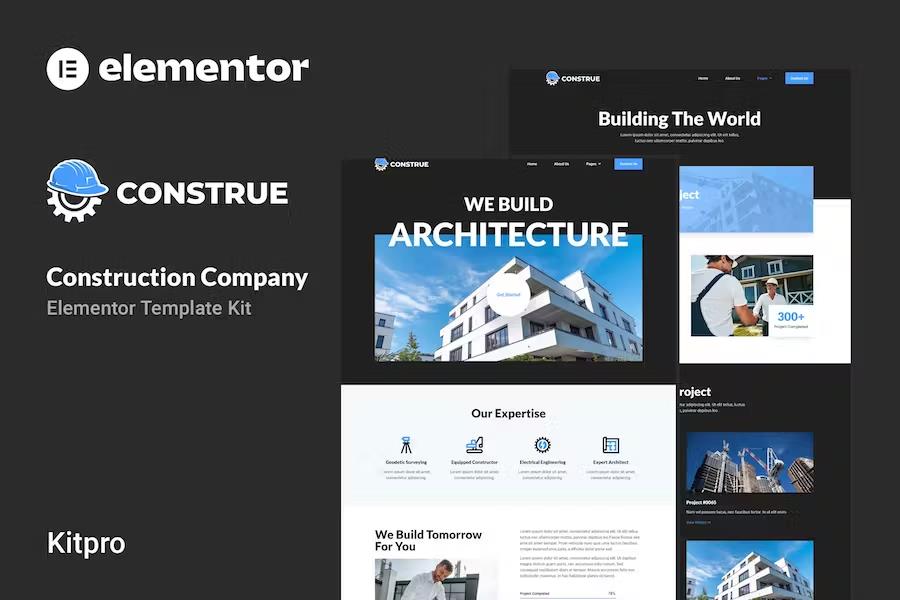
Building a professional website for a construction firm or architecture studio requires careful attention to detail and a layout that communicates reliability. Construe is a specialized collection of page layouts designed specifically for WordPress users who want to build a business presence online using the popular Elementor page builder plugin. Rather than functioning as a standard WordPress theme, this product provides pre-built templates that you import directly into your existing site setup. The package is optimized to work with the free Hello Elementor theme, though it remains compatible with most themes that support Elementor functionality. Business owners and web designers can use these layouts to establish a polished online identity without writing any code. Every visual element relies on a drag-and-drop system, meaning you simply move sections, text blocks, and images around your screen until the layout matches your exact preferences. Colors and typography can be adjusted globally from a single control panel or modified individually on specific pages to maintain consistent branding throughout the entire site.
The kit includes a complete set of pre-designed pages addressing the typical needs of building contractors, engineering firms, and architectural practices. Visitors to your finished site will find a welcoming homepage, an informative about page, and a direct contact page for inquiries. Dedicated service pages allow you to outline your specific construction capabilities, while team pages introduce your skilled staff members to prospective clients. Portfolio sections feature project overviews and single-project layouts to showcase completed buildings, renovations, or design concepts. Additional pages cover frequently asked questions, a blog section for company news, and a custom four-zero-four error page. Several functional plugins come integrated with the kit to support these layouts, including ElementsKit, Jeg Elementor Kit, Metform, and Header and Footer Builder for Elementor. The typography relies on the clean and legible Lato and Roboto font families, ensuring your text remains easy to read across desktop computers, tablets, and mobile phones alike.
Related products

Getfire - Firefighter Department Elementor Template Kit
 Themeforest

Resto. - Restaurant Catering & Cafe Elementor Template Kit
Themeforest
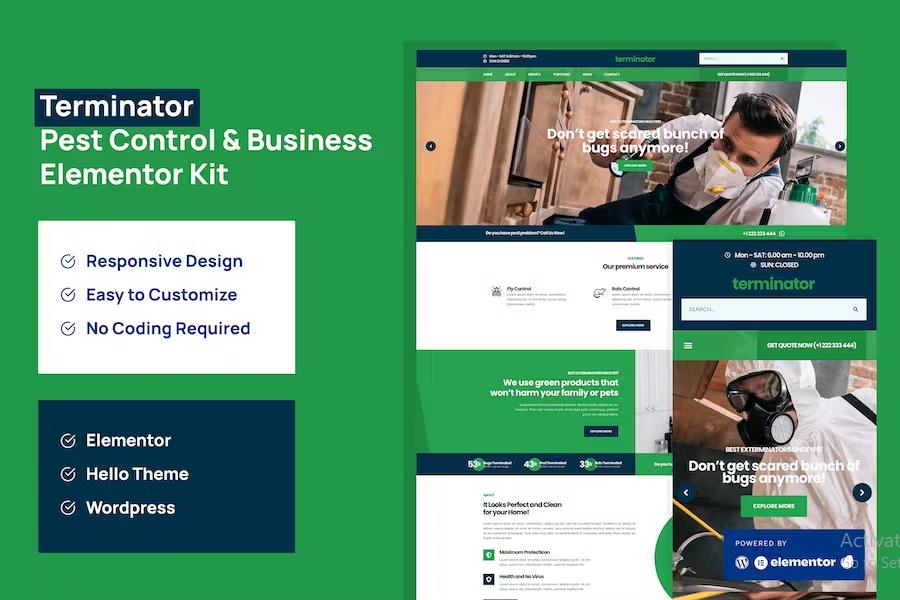
Terminator - Business & Pest Control Elementor Pro Template Kit
Themeforest
Getting your new site online involves a straightforward installation process that begins inside the WordPress dashboard. You first install and activate the official Envato Elements plugin, which handles the file transfer. After downloading the kit file from your account, you upload the archive directly through the plugin menu without extracting the contents on your computer. A series of automated prompts will check for required plugins and prompt you to load them automatically. Global kit styles must be imported first to establish the correct color palette and typography rules across all pages. Individual templates then import one by one, saving directly into your WordPress database under the saved templates section. Once imported, you create a new page, open the visual builder, select the full-width page setting, and load your chosen template layout through the saved templates tab. Setting up the included custom contact forms requires a brief additional step inside the form builder interface to insert the imported form template into your contact page layout.
Managing media assets requires a bit of attention during the setup process because the demonstration layouts include placeholder photographs sourced from the creator subscription library. You must license these specific stock images if you plan to keep them on your live website, or you can simply swap them out with your own company photographs and project pictures. Operating this kit requires the standard Elementor plugin, while users who have upgraded to Elementor Pro gain access to additional theme builder tools for managing site headers and footers globally. The underlying design emphasizes quick loading times and clean code structure to keep your business site running smoothly for potential clients browsing on various network connections. By combining pre-built page structures with flexible visual editing tools, this template collection provides a practical foundation for contractors wanting to present their work professionally on the internet without hiring a dedicated web developer for custom coding tasks.
- Item type
- template kit
- Category
- Elementor Kits
- Version
- Latest Version
- Availability
- In stock
- Delivery
- Digital
- Last updated
- August 2, 2026
Construe - Construction Company Elementor Template Kit belongs to the Elementor Kits section and is treated as a template kit. Its preview, description, and listing facts can be checked without adding claims not found in the source.
Usage rights depend on the license selected at checkout. Review the complete terms before using this item for client work, redistribution, SaaS, or more than one end product.