Dentisto - HTML Template Latest Version
HTML Templates Themeforest 4.8 (3.6K reviews)
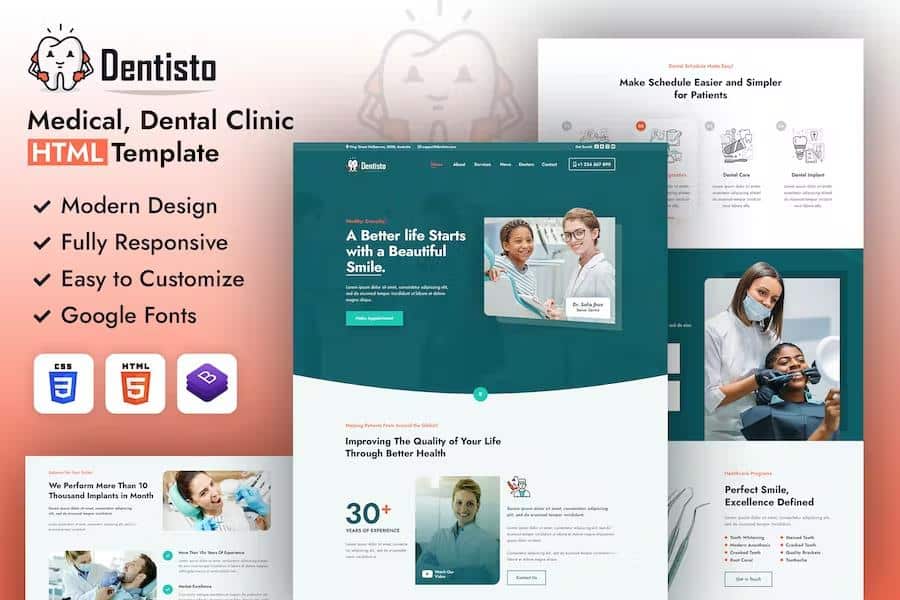
Dentisto is an HTML5 website template built for dental practices and similar service-oriented businesses. Its custom design uses a parallax effect that gives pages a subtle sense of depth as the visitor scrolls, while keeping the look clean and professional. The layout is fully responsive, so it adapts to phones, tablets, and desktops, and it is ready for retina displays, meaning images stay crisp on high-resolution screens. The package includes more than six valid HTML5 page templates, covering multiple homepage styles, service sections, team layouts, and a dedicated application page for dentists. Several blog page designs are also included, so publishing updates or news fits naturally into the site. Because the template is structured around displaying services and visual content, it works nicely for portfolios, photography, or any project that needs an image-forward presentation. The template gives you a polished starting point without locking you into a rigid structure, which makes it easy to adapt to a specific brand or style.
Technically, Dentisto is assembled with Bootstrap v4.0, HTML5, and CSS3, which keeps the code organized and relatively straightforward to adjust. The template offers unlimited color schemes, so the visual identity is not tied to a single preset palette. It is compatible with all modern browsers, and the underlying markup is structured with search engines in mind, which helps with indexing and discoverability. Alongside the main page set, the download includes five additional custom HTML templates for different homepage styles, service pages, and team presentations. Each of those can be opened and edited independently, giving you room to mix and match sections or start from a different base. The code itself is kept clean enough for someone with basic web editing skills to follow, even if the template handles more complex visual effects in the background. Everything is written to be edited with common tools like Dreamweaver, Notepad, or Notepad++, so no proprietary platform is required.
Editing Dentisto does not require any special software. Every HTML file can be opened in a plain text editor such as Dreamweaver, Notepad, or Notepad++, and each line is available for direct modification. The same applies to the CSS files. Two stylesheets are included: style.css serves as the default styling file, while custom-style.css provides an additional layer for your own adjustments. If you want to replace a banner image, for instance, look at the .banner-con rule inside style.css and change the relevant background values there. For a different set of banner styles, custom-style.css contains the .home-banner-section rule that controls the homepage banner image. Because the template is separated into distinct HTML files, you can edit the homepage, services page, or team page in isolation. That makes it practical to test changes without worrying about breaking the rest of the site. You only need to save your edits and refresh the browser to see the result.
Similar products
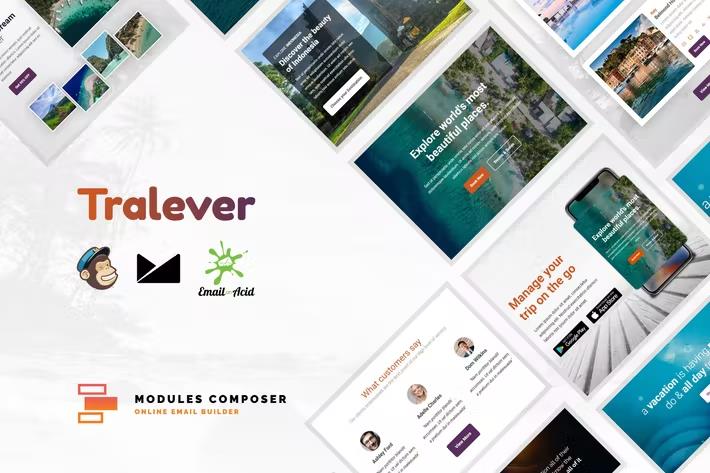
Tralever - Responsive Email for Agencies, Startups & Creative Teams with Online Builder
 Themeforest
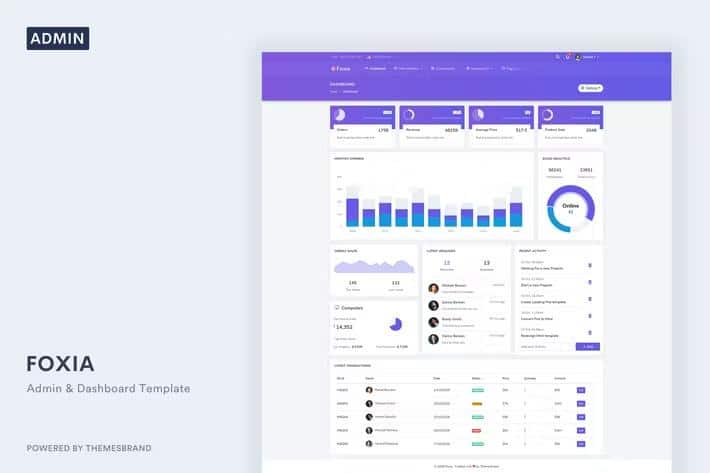
Foxia - Admin & Dashboard Template
Themeforest
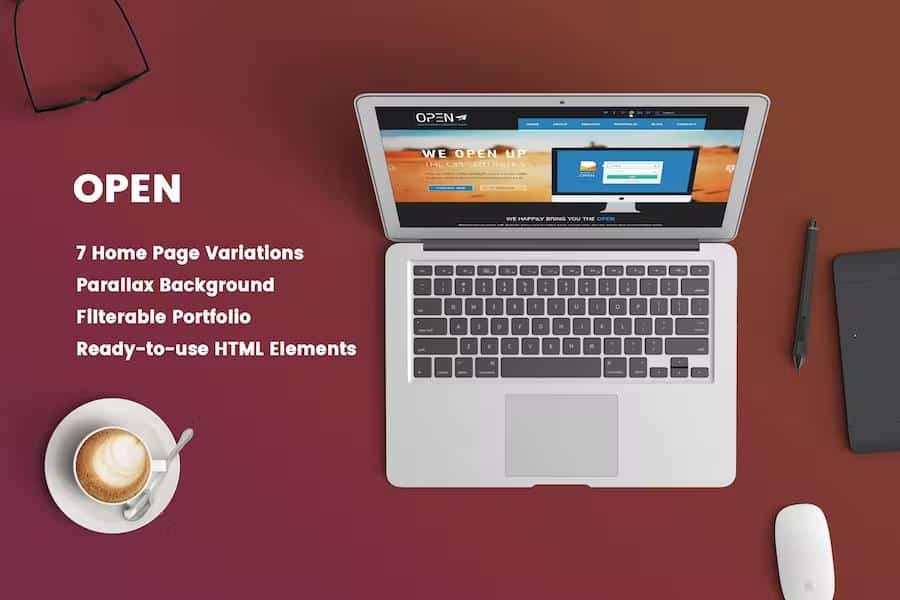
Open - Responsive Corporate and Business Template
Themeforest
On-load animations are handled through WOW.js, a lightweight script that triggers effects when elements appear on the screen. It adds modest motion to text, images, and headers without slowing the page down. Changing an animation is done by editing predefined class names attached to the elements in the HTML. Swap one class for another to pick a different effect, or remove the class to disable it. The class-based approach means you avoid writing custom JavaScript or digging into plugin files. This offers a practical way to tune the site's feel, from a quiet fade to a noticeable slide-in. The same principle carries through the rest of the template, where customization happens through straightforward edits to markup and styles. Dentisto gives you a working foundation with visual effects, responsive behavior, and a clean structure, leaving final choices about content and design in your hands. Everything remains within reach for someone comfortable editing simple text files.
- Last updated
- August 18, 2026
- Delivery
- Digital
- Availability
- In stock
- Version
- Latest Version
- Category
- HTML Templates
- Item type
- template
The Dentisto - HTML Template listing is available in HTML Templates as a template. Check the description, item facts, and purchase details to assess its relevance to a project.
Usage rights depend on the license selected at checkout. Review the complete terms before using this item for client work, redistribution, SaaS, or more than one end product.