Docy - Documentation And Knowledge Base HTML5 Template with Helpdesk Forum Latest Version
HTML Templates Themeforest 4.8 (4.6K reviews)
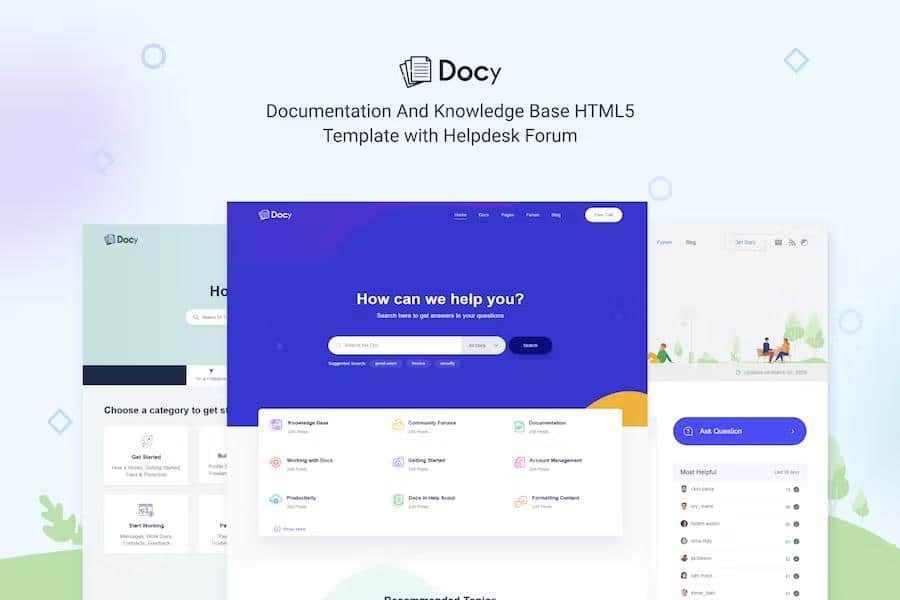
Docy functions as an HTML5 template built specifically for creating online documentation platforms and knowledge bases. Developers and technical writers can use this foundation to build instructional websites for software applications, programming frameworks, plugins, application programming interfaces, and general user manuals. Built on top of the Bootstrap 4 framework, the layout adapts smoothly to various screen sizes while maintaining visual consistency across desktop computers, tablets, and smartphones. The package contains over forty pre-designed pages that cover common structural needs for information hubs, reducing the time required to code an entire site from scratch. Semantic HTML5 and CSS3 markup provide a clean foundation that meets W3C validation standards, ensuring that pages render correctly on all major modern web browsers. SCSS files are included for individuals who prefer modifying stylesheets at the source level using custom variables. The codebase features clear comments throughout, helping developers understand how different sections connect and function. Standard typography options rely on free Google Fonts alongside icon sets from FontAwesome and Elegant Icons, giving the interface a professional appearance right out of the box.
Users browsing documentation sites built with this template gain access to several interactive reading tools designed to improve comprehension. A dark mode switcher allows visitors to toggle between light and dark visual themes depending on lighting conditions or personal preference. Text sizing controls give readers the ability to increase or decrease font proportions directly on the page for better readability. An integrated table of contents automatically tracks the user position within a long article, highlighting current sections as the page scrolls. Sticky and non-sticky header options allow creators to choose how navigation bars behave during scrolling actions. Footnotes provide reference links for detailed explanations without cluttering the main text flow. Page preview tooltips let readers hover over links to see snippets of target pages before clicking away from their current spot. Dynamic pre-loaders appear on every page transition to signal that content is loading correctly. Additional interface components include image hotspots for pointing out specific user interface elements, file tree navigation trees, directory explanations, software changelogs, and property tables.
Content presentation relies on a large collection of standard web elements designed for technical writing needs. Authors can insert syntax highlighters to display code snippets clearly with proper formatting and color coding. Accordions and tabs help organize dense blocks of information by hiding secondary details until requested by the reader. Alerts, messages, and custom note boxes draw attention to warnings or important tips within tutorials. Lightbox functionality enlarges screenshots and diagrams when clicked, while responsive video embeds accommodate instructional clips hosted on YouTube, Vimeo, or local servers. Article feedback forms let visitors rate pages to indicate whether the material solved their problem. Megamenus organize complex site directories into neat drop-down panels, and search engine optimization practices are baked into the underlying structure to help search crawlers index pages effectively. Mailchimp integration handles newsletter signups directly through the layout without requiring extra backend setup. Every file is organized logically to make customization straightforward for anyone comfortable with basic web development tools.
Other products to consider
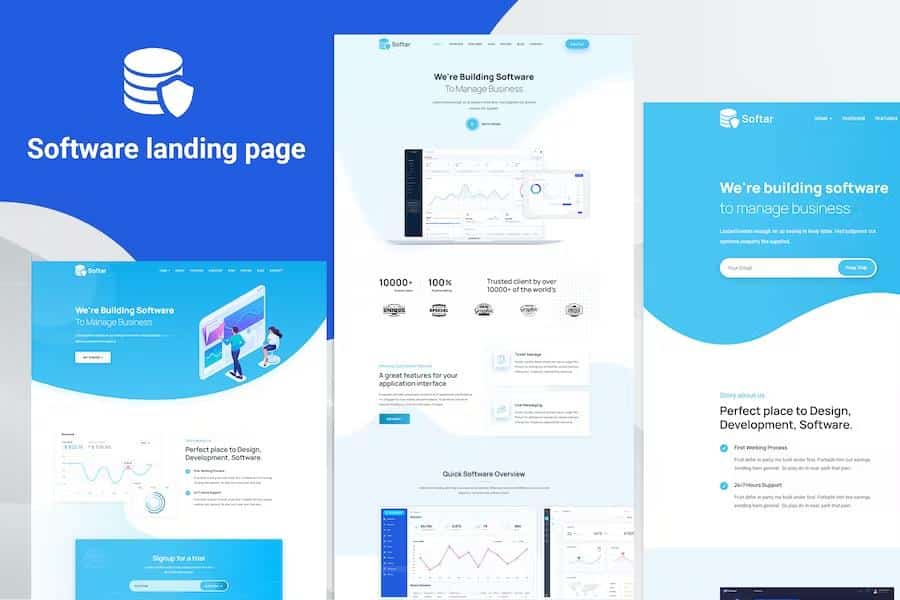
 Themeforest
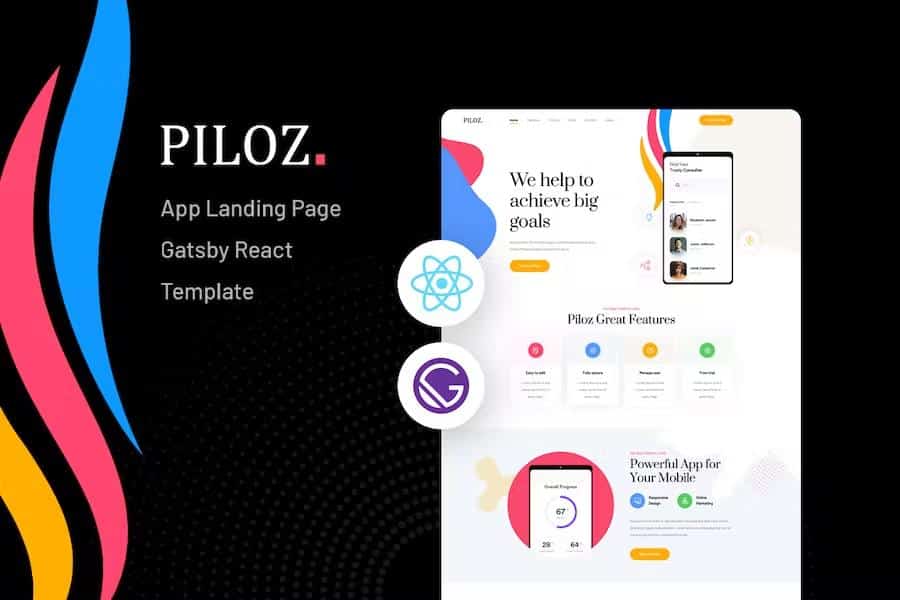

Purchasers receive the complete source code containing HTML files, stylesheets, JavaScript assets, and documentation for setting up the template. Standard styling rules handle common elements like buttons, carousels, and tooltips without requiring custom scripting from the user. Layout options include full-width containers and boxed container widths to suit different design preferences. Building a helpdesk forum or a centralized knowledge base becomes much simpler because the necessary page templates are already prepared. Maintenance remains straightforward thanks to modular components that repeat common header and footer structures across the site. Anyone needing a reliable, responsive starting point for technical documentation will find this template equipped with the necessary layout pieces. Designers can easily swap out color palettes, typography rules, and graphic assets to match specific brand guidelines. The inclusion of free updates ensures the template stays current with modern web standards as browsers evolve over time.
- Item type
- template
- Category
- HTML Templates
- Version
- Latest Version
- Availability
- In stock
- Delivery
- Digital
- Last updated
- August 18, 2026
Listed under HTML Templates, Docy - Documentation And Knowledge Base HTML5 Template with Helpdesk Forum is a template. This presentation keeps the product name and recorded facts intact while organizing the details for easier review.
Usage rights depend on the license selected at checkout. Review the complete terms before using this item for client work, redistribution, SaaS, or more than one end product.