Knowledge Base - Helpdesk - Wiki - FAQ WordPress Theme 4.3.2
Wordpress Themes Themeforest 4.8 (4.2K reviews)
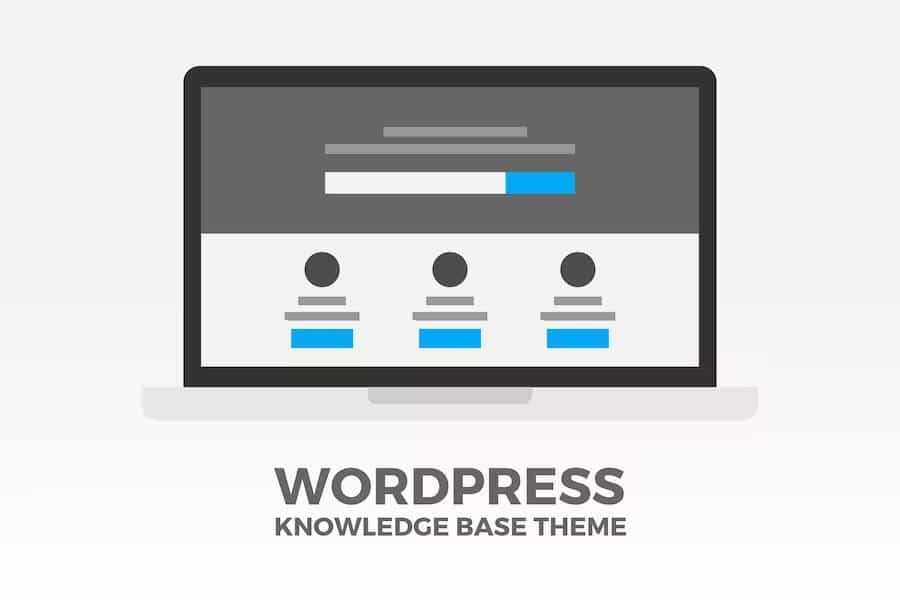
This WordPress theme is built for turning a collection of articles, guides, and answers into a searchable self-service knowledge base. It serves customer support centers, extensive FAQ pages, product documentation, internal company wikis, and similar projects. The premise is simple: you write the content, organize it into categories, and the theme gives visitors the tools to find answers without contacting you. Everything runs through familiar WordPress post types, so adding a new guide takes as much effort as writing a standard blog post. The structure encourages reuse — a single knowledge base can serve customers, employees, or both, and the setup is designed to happen quickly. Categories and articles can be reordered with drag and drop, so the hierarchy stays logical as content grows. A bundled FAQ plugin adds accordion-style question lists to any number of pages, and Visual Composer is included for assembling custom layouts on regular pages.
Similar products

 Themeforest


Finding the right article is the core job of a knowledge base, and the search system here carries most of that weight. The live search box can sit in the main navigation bar, aligned left or right with a configurable width, and a widget version can be dropped into any sidebar. The placeholder text is editable, and the quick results can be disabled entirely if the site would be better served by a normal search. Search terms are tracked and displayed in the dashboard as a bar chart, with filters for the last day, week, month, or all time. Popular searches can be shown under the search widget, giving visitors common starting points. Breadcrumbs appear above the category hierarchy, so users always know where they are. For longer articles, a table of contents is generated automatically from the H1, H2, and H3 tags on the page. Related articles from the same category are also shown, which keeps readers moving through relevant material.
The theme handles reader feedback through a voting system. Votes can be open to everyone or restricted to registered members, and individual votes or all votes can be reset from the settings page. Articles can be shared through Twitter, Facebook, LinkedIn, Google+, Tumblr, Pinterest, or email, with share buttons placed at the top, bottom, or both. A wide range of display choices give you control over how each article looks and where information sits. Meta information such as author, category, post format, comment count, tags, and updated date can be shown or hidden. Featured images are supported with custom dimensions. Author bios can be displayed under articles, and excerpt length or full content display is handled from the settings. Post formats including standard, link, audio, image, and video are supported, and social icons can be placed in the header navigation or the footer. The combination points out which content answers questions and which needs work.
Customization options start with the basics — logo and favicon upload, unlimited theme colors through a color picker, and hundreds of Google Fonts for the navigation, header, and body text. Border radius can be adjusted globally so buttons, navbars, widgets, and other elements share the same corner style. Layout width can be fixed or fluid, and the number of sidebars is configurable between zero and two, with selectable widths that apply per post type. Custom CSS and JavaScript boxes come built in, as does Google Analytics integration. Query string redirects are handled automatically, turning ?s= links into a cleaner /search/ format with spaces converted to plus signs. The theme is responsive, so the layout adapts to phones and tablets. Translation-ready files work with the Poedit tool, and step-by-step documentation covering installation and setup is bundled with the product. Everything here is designed for someone who wants a knowledge base to feel like part of an existing site, not a separate system.
- Item type
- theme
- Category
- Wordpress Themes
- Version
- 1.2
- Availability
- In stock
- Delivery
- Digital
- Last updated
- August 10, 2026
Knowledge Base - Helpdesk - Wiki - FAQ WordPress Theme belongs to the Wordpress Themes section and is treated as a theme. Its preview, description, and listing facts can be checked without adding claims not found in the source.
Usage rights depend on the license selected at checkout. Review the complete terms before using this item for client work, redistribution, SaaS, or more than one end product.