LoginPress Auto Login 3.0.0
Wordpress Plugins Loginpress 4.8 (590 reviews)
LoginPress Auto Login is a WordPress plugin that handles the repetitive task of logging into a dashboard. Instead of directing users to the standard login screen, you create a special URL that drops them straight into their account. Each link carries a unique token and can be set to expire after a time you choose. That means you are not leaving a permanent open door; the entry privilege disappears when you say it does. This is useful for developers working across staging sites, administrators giving temporary access to a client, or editors who want to skip the login form and get right back to their content. The plugin never displays passwords or asks users to re-enter them, and it keeps your existing login process unchanged. It simply provides an alternative route when you need quick, controlled access. You can generate links from the Users list in your WordPress admin, so everything lives where you already manage people.
The plugin gives you several ways to manage those links. Under LoginPress > Auto Login you can set default expiry times so every generated link follows a consistent rule. Newer versions also allow a custom expiration for an individual link right from the user profile. That flexibility is handy when one client needs access for an afternoon and another needs it for a week. You can also revoke active sessions directly from the dashboard, which is useful if a link was shared too widely or a project ends early. Every time a link is used, the event is logged for auditing, so you can see who entered and when. Links can be generated for specific user roles, meaning you could create one for all subscribers or just for a single editor. And because the login happens through a token rather than a password, no one has to type or expose their credentials.
Integration with the rest of your WordPress setup is straightforward. The plugin runs on WordPress 5.0 or later and PHP 7.0 or newer, and it is built to add minimal load to your site. Browsers such as Chrome, Firefox, Safari, Edge, and Opera all work fine with the generated links. It is designed to work alongside the broader LoginPress ecosystem, and because it uses standard WordPress hooks and filters, developers can extend its behavior or tie it into custom workflows. The admin interface is responsive, so you can manage links from a phone or tablet without trouble. The codebase follows WordPress coding standards and includes clean comments, making it easier for a developer to modify or audit. Every generated URL incorporates a timestamp and a unique token, which supports the configurable expiration and prevents reuse after it lapses. Recent versions also addressed compatibility with certain caching plugins that could interfere with the functionality.
Other products to consider
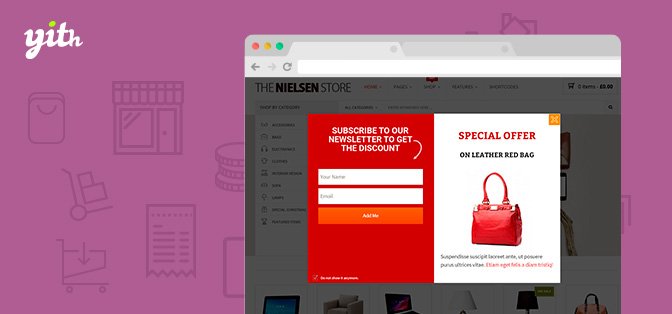
 Yithemes
The most common use is development, where you might need to enter a staging site repeatedly without typing credentials. The same applies to client onboarding: instead of asking someone to reset a password, you send them a link that works for the next few hours or days. Store managers, content teams, and instructors can all reach their work faster without fighting a login form. The activity log gives you a record of who used which link and when, so the convenience does not come at the expense of oversight. You can create a new auto-login link directly from a user's row in the admin list and share it in chat or email. Because link generation and revocation happen from the normal Users list and LoginPress menu, no extra learning curve is involved. For anyone who manages WordPress accounts for multiple people, that combination of speed, control, and auditability makes a meaningful difference in daily operations.
- Last updated
- August 10, 2026
- Delivery
- Digital
- Availability
- In stock
- Version
- 1.54.0
- Category
- Wordpress Plugins
- Item type
- plugin
The catalog entry for LoginPress Auto Login is grouped with Wordpress Plugins and classified as a plugin. Available product information is shown below with related items from the local catalog.
Usage rights depend on the license selected at checkout. Review the complete terms before using this item for client work, redistribution, SaaS, or more than one end product.