Synci - Finance Elementor Pro Template Kit Latest Version
Elementor Kits Themeforest 4.8 (1.7K reviews)
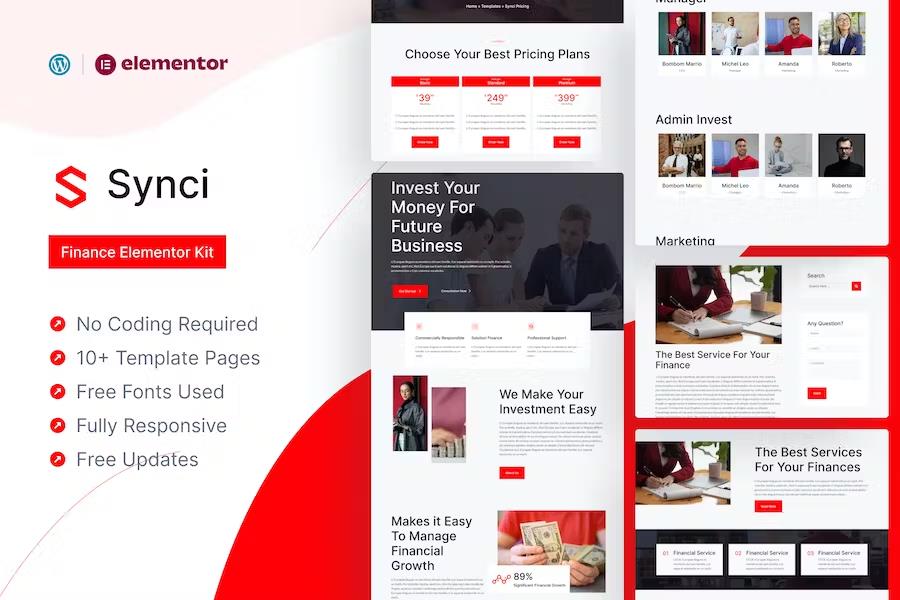
SynciFinance Template Kit is an impressive Elementor Template Kit that suitable for Finance and Business Website. You can customize this template easily using Elementor Page Builder, just drag and drop elements and no coding activity required. This template contains over 12 pages, came with modern and professional style, that crafted carefully in every pages and sections to make sure that it have good layout arrangement. Synci is designed to be adaptive to various device ratio, that will gives good responsiveness.
### Key Features
Other products to consider

Sailey - Yacht Club & Boat Rental Elementor Template Kit
 Themeforest
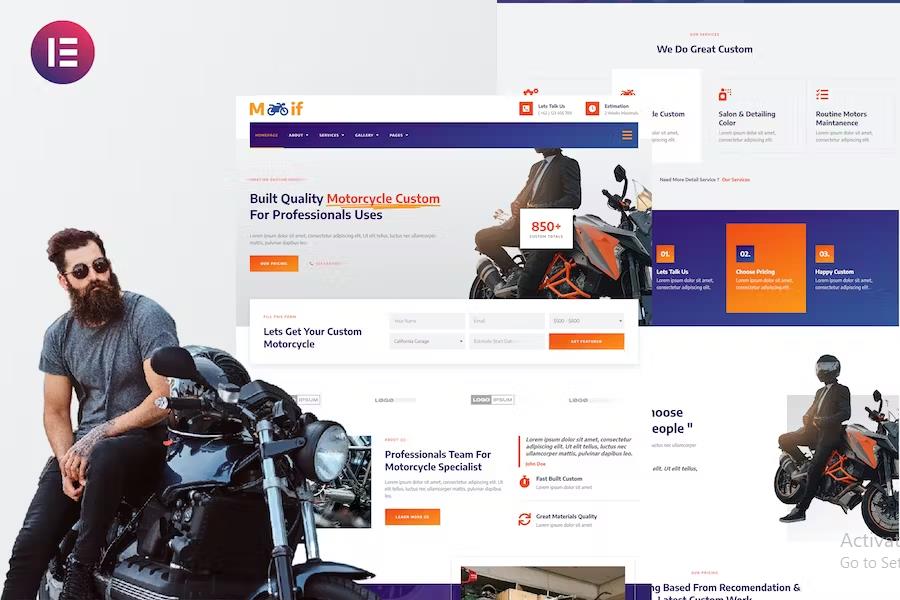
Modif - Custom Motorcycle Supermotard Elementor Template Kit
Themeforest

Tudebon - Chiropractic & Physiotherapy Elementor Template Kit
Themeforest
- 11+ Pages
- Responsive Layout
- Easy Editable with Elementor Page Builder
- Bold, Modern and Professional visual style
### Template Kit
- Header
- Footer
- Homepage
- About Us
- Our Team
- Our Services
- Service Detail
- Our Projects
- Project Detail
- Pricing Plan
- Blog
- Contact Us
- 404 Error page
- Single Post Page
### Plugins installed with kit
- Header & Footer Builder for Elementor
- ElementsKit Lite
- Premium Addons for Elementor
Elementor Pro upgrade is required for some templates and features (not included)
How to Use Template Kits:
- Install and Activate the "Envato Elements" plugin from Plugins > Add New in WordPress
- Download your kit file and Do not unzip
- Go to Elements > Installed Kits and click the Upload Template Kit button. You may also import automatically by clicking Connect Account to link your Elements subscription, then import under Elements > Template Kits.
- Check for the orange banner at the top and click Install Requirements to load any plugins the kit uses
- Click import on the Global Kit Styles first
- Click Import on one template at a time. These are stored in Elementor under Templates > Saved Templates.
- Go to Pages and create a new page and click Edit with Elementor
- Click the gear icon at lower-left of the builder to view page settings and choose Elementor Full Width and hide page title
- Click the gray folder icon to access My Templates tab and then Import the page you'd like to customize.
If you have Elementor Pro, headers and footers may be customized under Theme Builder.
Detailed Guide: https://help.market.envato.com/hc/en-us/articles/900000842846-How-to-use-the-Envato-Elements-WordPress-Plugin-v2-0
For further support, go to Elementor > Get Help in WordPress menu.
### Stocks
This Template Kit uses demo images from Envato Elements. You will need to license these images from Envato Elements to use them on your website, or you can substitute them with your own.
- https://elements.envato.com/collections/2LBUYJEM6H
*******************************************************
### Font
- Inter
- Lato
- Last updated
- August 2, 2026
- Delivery
- Digital
- Availability
- In stock
- Version
- Latest Version
- Category
- Elementor Kits
- Item type
- template kit
This page summarizes the available listing data for Synci - Finance Elementor Pro Template Kit in Elementor Kits. The item type is recorded as template kit, with further details shown below.
Usage rights depend on the license selected at checkout. Review the complete terms before using this item for client work, redistribution, SaaS, or more than one end product.