WooThemes Definition WooCommerce Themes 1.5.10
Wordpress Themes WooCommerce.com 4.8 (4.4K reviews)
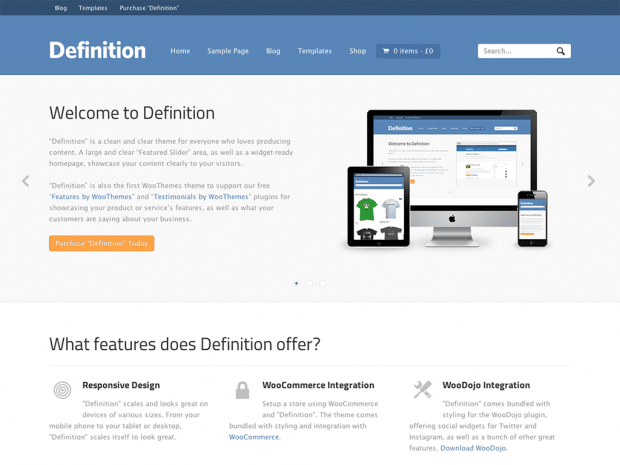
Definition is a WordPress theme created by WooThemes, built to work with the WooCommerce plugin. That means it is ready for an online store, displaying products, managing carts, and checking out through WooCommerce. Beyond ecommerce, the theme also supports blogging and business content, so you can combine company information, news updates, and product listings on a single site. The visual style is intentionally minimalist, using generous white space, simple typography, and a restrained color palette. This design approach keeps the focus on your images and text rather than decorative elements that distract visitors. The layout expands and contracts fluidly, responding to different browser widths and resolutions. Every part of the theme, from the header to the footer, adjusts itself for desktop computers, tablets, and mobile phones. Installation follows the usual WordPress process: upload the theme, activate it, and add content through the customizer. Most settings are controlled visually, so you do not need to touch code.
The featured slider sits at the top of the homepage and gives you a prominent space to showcase important content. You can highlight specific products, announce a sale, or draw attention to a recent post. The slider is managed through the theme's options panel, where you add images, captions, and links for each slide. You also control how long each slide stays on screen and whether the transition uses a fade or slide effect. Since the theme is responsive, the slider automatically adjusts its dimensions for different devices. On a phone, the slides shrink to fit the smaller viewport, so visitors can still see the images clearly. This makes the homepage feel current, giving you an easy way to update your most important message without redesigning the page. The minimalist styling means the slider does not compete with other elements; it presents your visuals in a clean frame. Adding or rearranging slides takes only a few minutes, and changes appear immediately.
The minimalist design of Definition extends beyond the homepage to every part of the site. Content areas are organized into clear columns, with the main content and sidebar keeping a balanced proportion on most screens. The theme includes a set of custom widgets for displaying recent posts, product categories, or promotional boxes in the sidebar and footer. These widgets follow the same clean visual language, so nothing looks out of place. Typography is handled with care, using standard web fonts that render legibly across operating systems. Colors are muted by default, but you can adjust them through the customizer to match your brand. The header is unobtrusive, with a simple navigation menu that works on touch devices. As you resize the browser window, the layout smoothly rearranges itself, dropping the sidebar below the main content on narrow screens. This fluid behavior ensures that no matter which device your visitors use, they can read your message and browse your products without frustration.
When you download Definition, you receive the theme as a standard WordPress installation file. It is the exact package created by WooThemes, with no modifications or extra content added. This means you can install it just as you would any other theme, and you will have access to all of the original theme files, including templates, stylesheets, and included assets. To use the theme properly, you need a self-hosted WordPress site and the WooCommerce plugin installed, since many of the theme's features depend on that plugin. The theme itself handles the presentation, while WooCommerce manages the product catalog, shopping cart, and payment processing. Because the theme and plugin are separate, you can update WooCommerce independently without affecting your theme's design. The installation process is straightforward: upload the zip file through the WordPress admin panel, activate it, and then configure your settings. After that, you can start adding products and creating content right away.
Related products

Pithree - Construction & Building WordPress Theme
 Themeforest
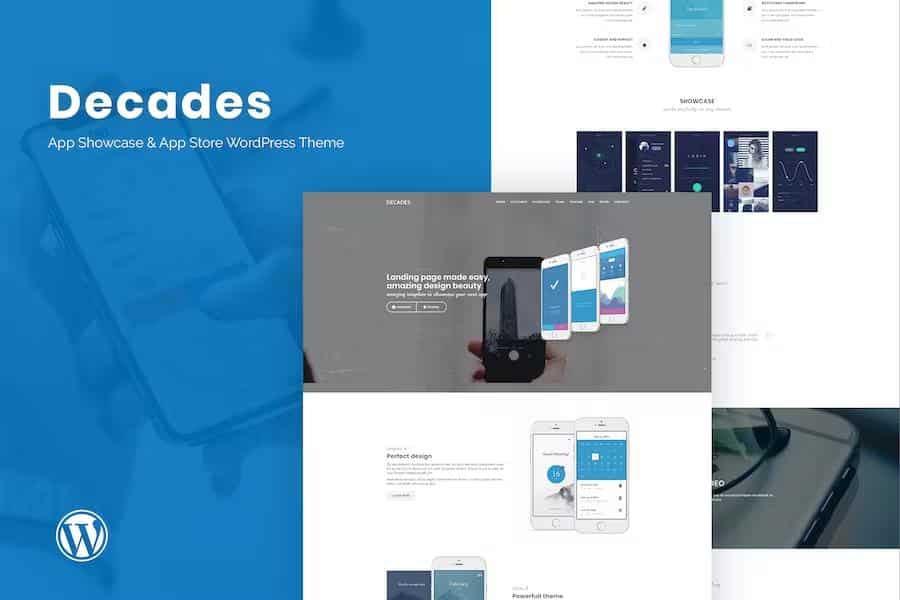
Decades - App Showcase & App Store WordPress Theme
Themeforest
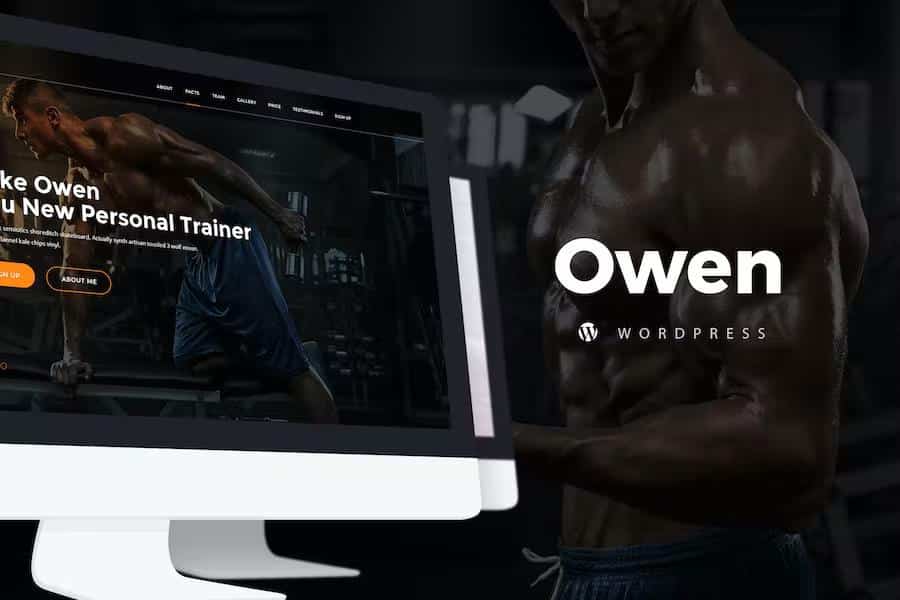
Owen - Personal trainer & SportOne Page Landing WordPress theme
Themeforest
- Item type
- theme
- Category
- Wordpress Themes
- Version
- 1.0.0
- Availability
- In stock
- Delivery
- Digital
- Last updated
- August 13, 2026
Listed under Wordpress Themes, WooThemes Definition WooCommerce Themes is a theme. This presentation keeps the product name and recorded facts intact while organizing the details for easier review.
Usage rights depend on the license selected at checkout. Review the complete terms before using this item for client work, redistribution, SaaS, or more than one end product.