WorkersJet - Handyman & Repair Service Elementor Template Kit Latest Version
Elementor Kits Themeforest 4.8 (704 reviews)
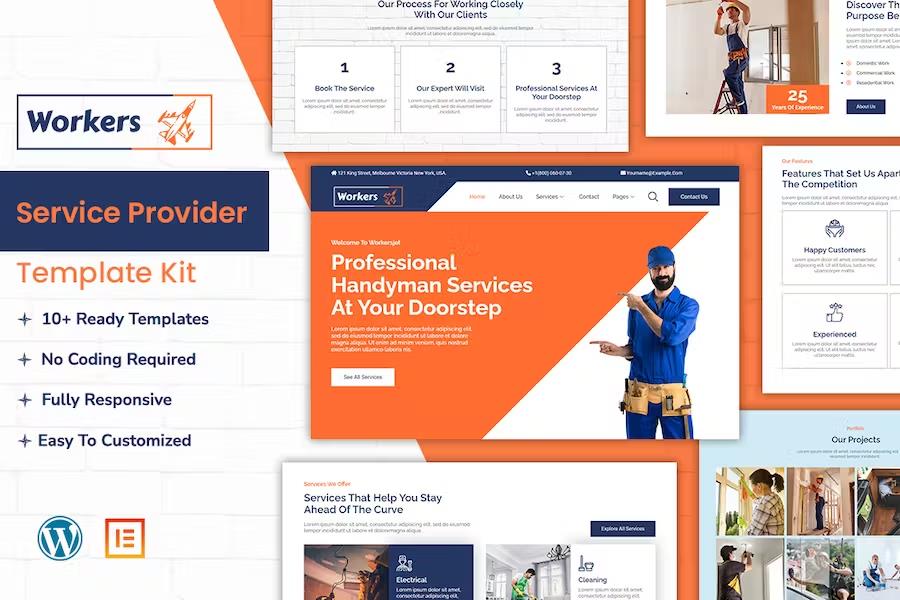
WorkersJet is an Elementor template kit for professional handyman services! Whether you're in the electrical, cleaning, plumbing, or painting business, our kit is the perfect solution to take your website to the next level. With a sleek and modern design, your clients will love the easy navigation and professional look. The kit also includes all the essential features needed for a professional services website, such as contact forms, service pages, pricing tables, and more. With WorkerJet, you can showcase your services and expertise in style and attract more customers to your business.
#### Feature
More from this category
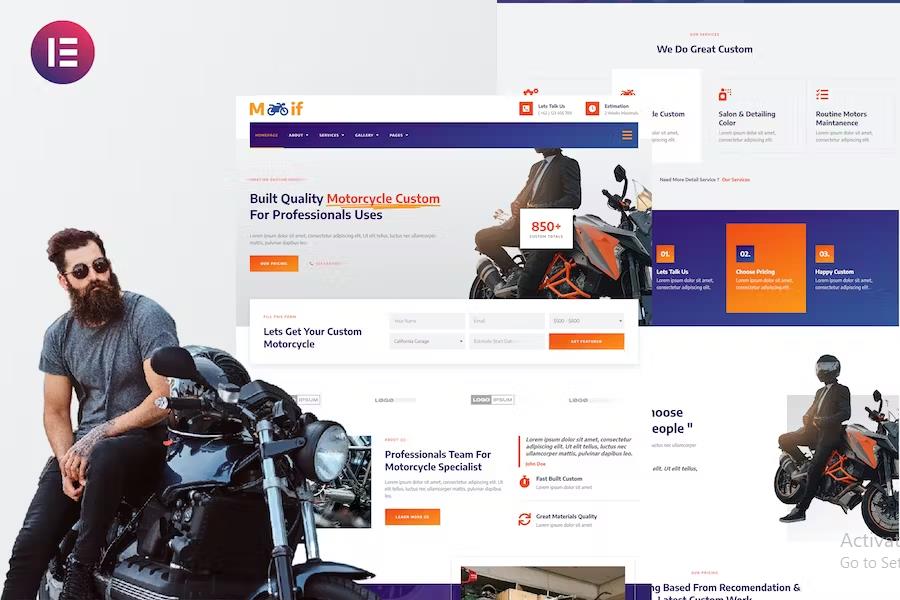
Modif - Custom Motorcycle Supermotard Elementor Template Kit
 Themeforest
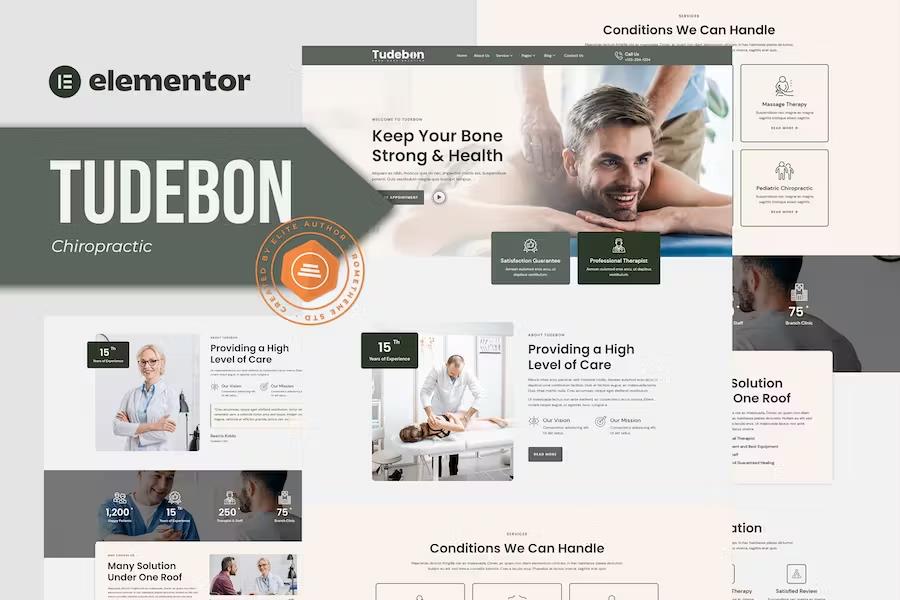
Tudebon - Chiropractic & Physiotherapy Elementor Template Kit
Themeforest
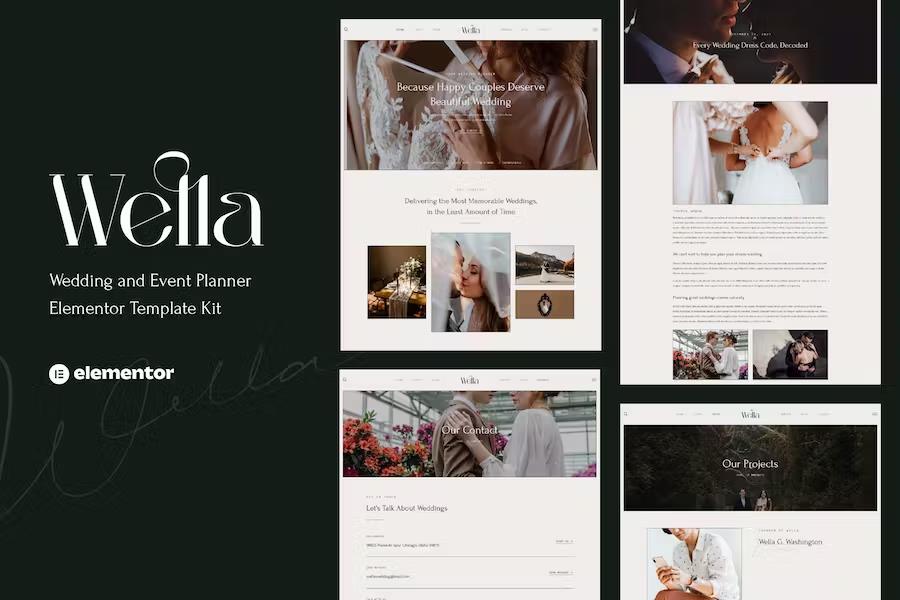
Wella - Wedding & Event Planner Elementor Template Kit
Themeforest
- Individual elements can be fine-tuned or fonts and colors can be changed all in one spot.
- Drag-and-drop visual builder for true no-code customization.
- Design that is both contemporary and professional.
- Fast-loading.
- Most Elementor themes are compatible with this plugin.
#### Templates Include:
- Home Page
- About Us
- Electric Service
- Cleaning Service
- Plumbing Service
- Painting Service
- Contact Us
- Portfolio
- Pricing Plan
- Testimonials
- Blog
- Team
- FAQs
- 404
- Coming Soon
#### Sections and Blocks:
- Header
- Footer
- Contact Form
- Newsletter Form
- Book Form
- Question Form
#### Required Plugins Pre-Installed With the Kit
- Elementor
- ElementsKit Lite
- MetForm
#### Import
- Install and activate the "Envato Elements" plugin in WordPress by going to Plugins > Add New.
- Don't unzip your kit file after downloading it.
- Click the Upload Template Kit button in Elements > Installed Kits. You can also import automatically by linking your Elements membership with Connect Account, then importing under Elements > Template Kits.
- Check the top of the page for an orange banner, then click Install Requirements to load any plugins the kit requires.
- First, import the Global Kit Styles.
- One template at a time, click Import. These can be found under Elementor's Templates > Saved Templates section.
- Create a new page in Pages and then click Edit with Elementor.
- To view page options, click the gear icon in the lower-left corner of the builder and select Elementor Full Width and Hide Page Title.
- To get to the My Templates tab, click the grey folder icon, then Import the page you want to alter.
Theme Builder allows you to alter the headers and footers if you have Elementor Pro.
Visit for more detail guidance: https://help.market.envato.com/hc/en-us/articles/900000842846-How-to-use-the-Envato-Elements-WordPress-Plugin-v2-0
To get further help, go to the WordPress menu and select Elementor > Get Help.
#### Importing Metforms: What You Need to Know
- The metform block templates should be imported.
- Import the page template with the form on it and enable the Navigator by right-clicking.
- Click Edit Form after locating and selecting the Metform widget. Then select New and Edit Form from the drop-down menu. The function Object() { [native code] } will show up.
- Select the grey folder icon that says 'Add Template'.
- Select the 'My Templates' option from the drop-down menu.
- Then click 'Insert' after selecting your imported metform template (click No for page settings).
- After you've finished customizing the template, click 'Update & Close.' In the template, the form will appear.
- Update the information by clicking the button.
#### In Elementskit, Configure The Global Header and Footer
- Import the template for the header and footer.
- Navigate to ElementsKit > Header Footer and select Add New (if prompted with a wizard, you may click Next through it without taking any action).
- Toggle Activation to On, title the header, and leave Entire Site selected.
- To open the builder, click the grey Edit Content button.
- Select the header template to import by clicking the grey folder icon, then select your menu in the nav element and click Update.
- Repeat for the footer.
Envato Elements demo pictures are used in this Template Kit. To use these photos on your website, you'll need to purchase a license from Envato Elements, or you can use your own.
- https://elements.envato.com/collections/GAPFM3U8C5
- Last updated
- August 2, 2026
- Delivery
- Digital
- Availability
- In stock
- Version
- Latest Version
- Category
- Elementor Kits
- Item type
- template kit
The WorkersJet - Handyman & Repair Service Elementor Template Kit listing is available in Elementor Kits as a template kit. Check the description, item facts, and purchase details to assess its relevance to a project.
Usage rights depend on the license selected at checkout. Review the complete terms before using this item for client work, redistribution, SaaS, or more than one end product.