Boostlabs – SEO & Digital Marketing Elementor Template Kit Latest Version
Others Themeforest 4.8 (824 reviews)
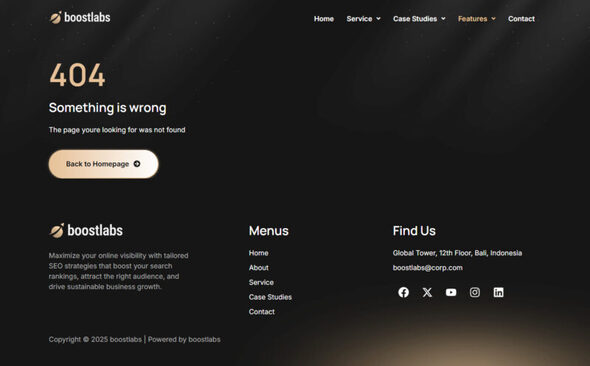
Boostlabs – SEO & Digital Marketing Elementor Template Kit
Boostlabs is a modern and clean Elementor Template Kit created for SEO agencies, digital marketing firms, and creative service providers. This kit is built using the free version of Elementor, making it accessible for all WordPress users without requiring any coding skills.
Boostlabs includes professionally designed pages that help you present your services, case studies, and company profile with style and clarity.
Main Features
- 10+ pre-built Elementor templates
- Built with free Elementor version
- Responsive and mobile-friendly design
- Clean and professional SEO layout
- Includes MetForm integration
- Compatible with Hello Elementor theme
- Fast loading and easy customization
- No coding required
Included Templates
- Home
- Services
- Service Details
- Case Studies
- Case Study Details
- About
- Blog
- Single Blog
- 404 Page
- Contact
Required Plugins
- Elementor
- Jeg Elementor Kit
- ElementsKit Lite
- MetForm
- Header, Footer & Blocks Template
Fonts Used
- Manrope
- Inter
How to Use This Template Kit
- Install and activate the Envato Elements plugin from Plugins > Add New.
- Download your Template Kit and do not unzip it.
- Go to Elements > Installed Kits and click Upload Template Kit.
- When prompted, click Install Requirements to install all required plugins.
- Import the Global Kit Styles first, then import each template individually.
- Create or edit a page with Elementor, open Settings, set layout to Elementor Full Width, and hide the page title.
- Click the gray folder icon, open My Templates, and insert the desired page layout.
How to Import MetForm Custom Forms
- Import the MetForm template first.
- Import the page containing the form and edit it with Elementor.
- Ensure the Hello Elementor theme is active under Appearance > Themes.
- Click the MetForm widget and choose Edit Form.
- Select New → click Edit Form → then click Add Template.
- Open the My Templates tab, choose the imported MetForm template, and click Insert.
- Once loaded, click Update.
Image Licensing
This Template Kit uses demo images from Envato Elements. You will need to license these images directly from Envato Elements or replace them with your own visuals.
More from this category

Remakri - Education Course Drupal 8.9 Theme
 Themeforest
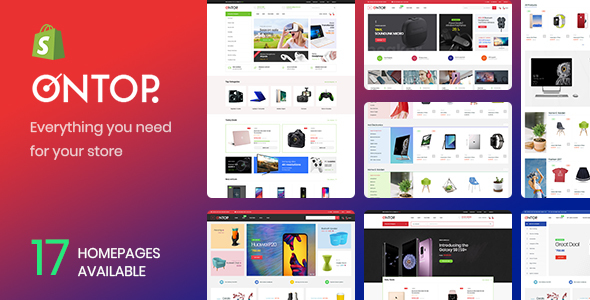
Ap Ontop - Customizer Sections Minimalist Retina Large Inventory Best Premium Shopify Theme 2018
Themeforest
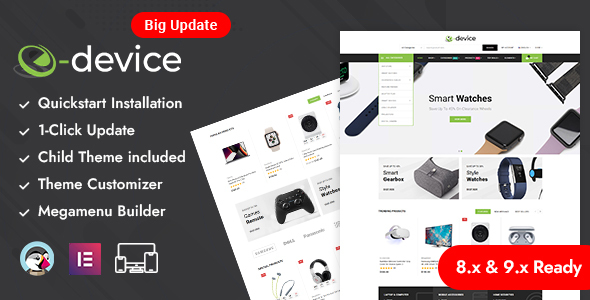
eDevice - Electronics Store Prestashop Responsive Theme
Themeforest
View the image collection on Envato Elements
- Last updated
- October 23, 2026
- Delivery
- Digital
- Availability
- In stock
- Version
- Latest Version
- Category
- Others
- Item type
- template kit
The Boostlabs – SEO & Digital Marketing Elementor Template Kit listing is available in Others as a template kit. Check the description, item facts, and purchase details to assess its relevance to a project.
Usage rights depend on the license selected at checkout. Review the complete terms before using this item for client work, redistribution, SaaS, or more than one end product.