BudgeIt | Online Grocery Mobile App UI Kit for Figma Latest Version
Others Themeforest 4.8 (3.8K reviews)
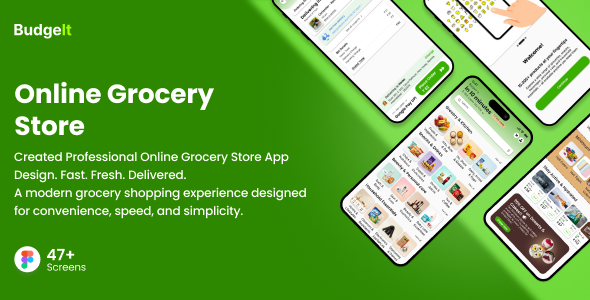
Overview
“BudgeIt | Figma Online Grocery Mobile App UI Kit” – BudgeIt is a Modern Online Grocery Mobile UI kit designed to simplify everyday shopping experiences.
The UI kit provides a complete set of screens and components that enable users to browse products, manage carts, and complete purchases efficiently.
Other products to consider
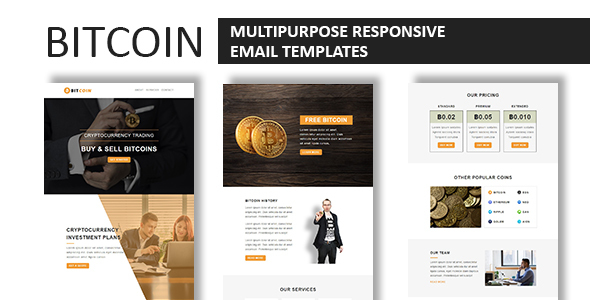
Bitcoin - Multipurpose Responsive Email Template With Online StampReady Builder Access
 Themeforest
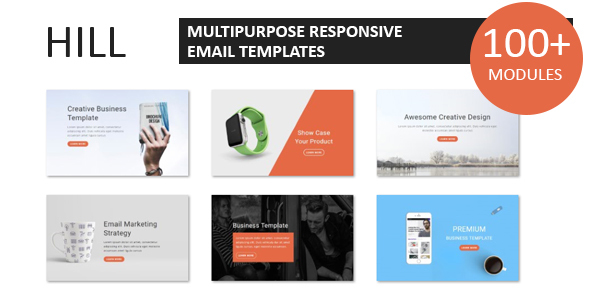
Hill - Multipurpose Responsive Email Template With Online StampReady Builder Access
Themeforest
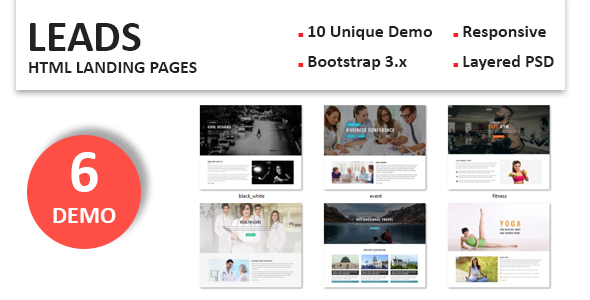
Leads - Multipurpose Responsive Landing Pages
Themeforest
It focuses on delivering a clean, intuitive, and scalable design suitable for real-world grocery applications.
This project focuses on creating a clean, intuitive, and scalable UI/UX for both user types while maintaining visual consistency and usability.
Our package includes 47 well-organized screens for mobile users like Android and iOS.
BudgeIt | Online Grocery Mobile App UI Kit
- Awesome Unique Look
- 47+ Premium Readymade Screens
- Modern and Clean Design
- Great Usability, Typography and User-experience
- Compatible with Figma
- Fully Layered, Grouped & Named appropriately
- Free Web Fonts
- Free Icon Fonts
- Well-Documented Help File
- And Much More…
Screens Included
- 01_Splash
- 02_Signup Page
- 03_Signin page
- 04_Forget Password page
- 05_Reset Password
- 06_OTP Verification
- 07_Onboarding Screen 1
- 08_Onboarding Screen 2
- 09_Onboarding Screen 3
- 10_Home Page 1
- 11_Home Page 2
- 12_Product detail 1
- 13_Product detail 2
- 14_Out of Stock Product
- 15_Product cart
- 16_View cart
- 17_Check out
- 18_Payment Method
- 19_Order Placed
- 20_Track Order
- 21_Chat with driver
- 22_Track Order when you want to cancel
- 23_Cancel Order
- 24_Cancel Confirmation
- 25_Empty Cart
- 26_Categories
- 27_Categories detailing
- 28_Categories Filters
- 29_Order again
- 30_Address detailing
- 31_Add new address
- 32_Menu
- 33_Profile
- 34_Notification
- 35_Contact Us
- 36_FAQs
- 37_Refer & Earn
- 38_Profile icon page
- 39_Previous Your orders Page
- 40_Return Product
- 41_Reason Return product
- 42_Return Confirmation
- 43_Rate Product
- 44_Review Submitted
- 45_Wallet
- 46_Wishlist
- 47_My Rewards
Icon used
- Iconify
Fonts used
- Inter
- Poppins
Graphics used
Note: All images are just used for preview purpose only and NOT included in the final purchase files.
- Unsplash
- Freepik
Main Files
- 47 Screens in Figma format
- HTML Documentation
Software Version
- Figma
How to Use Figma Files
- Open the page in Figma you want to add the file too. This could be the File Browser, or a specific Figma File.
- Locate and select the file(s) you want to import. These could be on the desktop or in a folder.
- Drag the file(s) over to Figma. A blue box will appear in Figma to show that your files are ready to import.
- Release your mouse to start the import process. Depending on the file size, this can take a couple of seconds.
- Once completed, click Done to return to the File Browser
- For more details, please visit: Figma Help
Thank You!
Thank you so much for your interest. Your comments and ratings would be much appreciated.
- Item type
- digital product
- Category
- Others
- Version
- Latest Version
- Availability
- In stock
- Delivery
- Digital
- Last updated
- October 27, 2026
The catalog entry for BudgeIt | Online Grocery Mobile App UI Kit for Figma is grouped with Others and classified as a digital product. Available product information is shown below with related items from the local catalog.
Usage rights depend on the license selected at checkout. Review the complete terms before using this item for client work, redistribution, SaaS, or more than one end product.