Ketchen - Modern Kitchen Elementor Template Kit Latest Version
Elementor Kits Themeforest 4.8 (3.2K reviews)

Ketchen serves as a pre-designed Elementor template collection built specifically for creating professional websites connected to culinary businesses and online stores. Operating as a template package rather than a traditional WordPress theme, this product requires the Elementor page builder plugin to function properly on a self-hosted WordPress site. Designers created the layouts to work best alongside the free Hello Elementor theme, though the templates remain compatible with most WordPress themes supporting the page builder plugin. Multiple page layouts come included within the package, covering essential site sections like homepage designs, about pages, service listings, project portfolios, pricing tables, frequently asked questions, photo galleries, blog archives, error pages, and contact forms. Users can easily build a complete web presence by importing these ready-made layouts directly into their WordPress dashboard without needing advanced coding knowledge or starting page structures from scratch. Typography relies on the Manrope and Roboto font families to maintain a clean aesthetic across all included layouts.
Getting the template package running on a WordPress site involves importing the files through the Envato Elements plugin. Site owners need to install and activate that specific plugin before uploading the downloaded kit file directly into the dashboard interface. An automatic connection feature allows users with active subscriptions to pull the assets straight into their local environment. Checking the dashboard banner ensures that all necessary plugin dependencies load correctly before starting any template imports. Global kit styles should be imported first to establish consistent colors and typography across the entire site architecture. Individual page templates import one by one, saving directly into the WordPress database under the saved templates section inside the page builder settings. Creating new pages requires setting the layout to full width and hiding the default title through the builder options panel. Users then access the saved templates folder to insert the imported design onto the active page canvas for final text and image adjustments.
Form functionality relies on the Metform plugin, which handles contact submissions and user inquiries across the site pages. Setting up the forms requires importing the specific form block templates alongside the main page template where the element appears. Operators open the builder interface, enable the visual navigator tool, locate the form widget, and launch the form editor to load the saved template from the local directory. Inserting the stored form template links the input fields directly to the page layout before saving the changes. Navigation headers and footers utilize a dedicated plugin to manage site-wide display rules easily. Header and footer layouts import through the standard process, after which administrators create a new template post, assign display conditions to cover the entire site, and load the saved design elements via the page builder interface. This structured approach separates header and footer management from standard page content, keeping site maintenance organized and straightforward for site administrators handling daily updates.
Demo imagery sourced from Envato Elements appears throughout the preview layouts for demonstration purposes only. Site creators must either secure proper licenses for these specific visual assets or substitute them with alternative photographs before publishing the finished pages publicly. The package provides the structural foundation, layout designs, and form integrations necessary for launching a functional web store or business site quickly. Standard WordPress installation practices apply, and users manage their media libraries, product inventories, and textual content through the familiar dashboard controls. Elementor Pro is not required for basic template usage, though having the paid version unlocks additional theme builder options for headers and footers if desired. Maintenance of the site depends on keeping the core WordPress software, the page builder plugin, and the associated add-ons updated to maintain security and compatibility over time. Every element within the kit remains fully editable, allowing web creators to adjust colors, fonts, spacing, and content blocks to match specific branding requirements for any culinary project or retail store.
Similar products
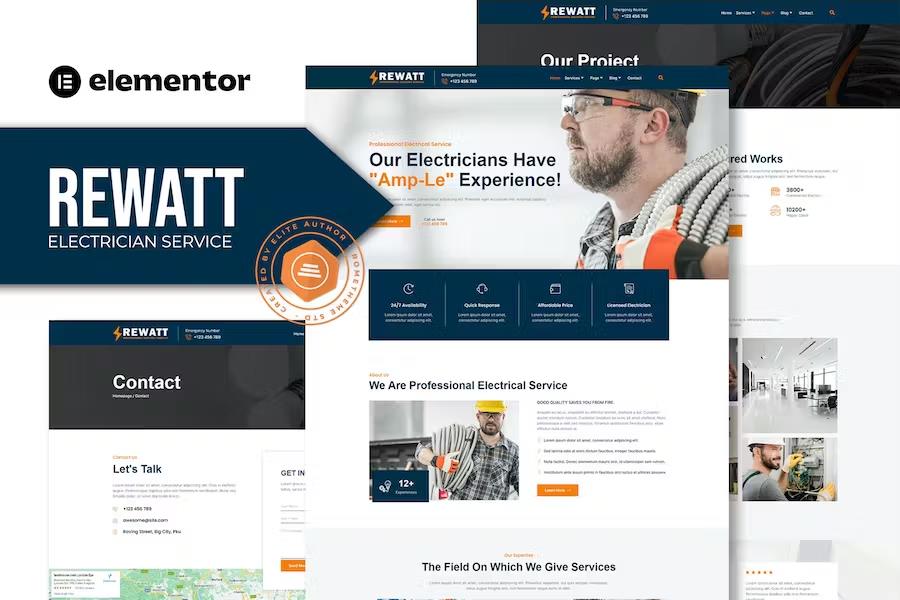
Rewatt - Professional Electrical Services Elementor Template Kit
 Themeforest

Lessan - Elementary School Tutoring Elementor Template Kit
Themeforest

Lawkit - Attorney Law Firm Elementor Template Kit
Themeforest
- Last updated
- September 7, 2026
- Delivery
- Digital
- Availability
- In stock
- Version
- Latest Version
- Category
- Elementor Kits
- Item type
- template kit
Ketchen - Modern Kitchen Elementor Template Kit is cataloged as a Elementor Kits under template kit. Review the preview and recorded details alongside the original description before purchase.
Usage rights depend on the license selected at checkout. Review the complete terms before using this item for client work, redistribution, SaaS, or more than one end product.