Fast Media Gallery For Visual Composer 1.0
Wordpress Plugins Codecanyon 4.8 (1.3K reviews)
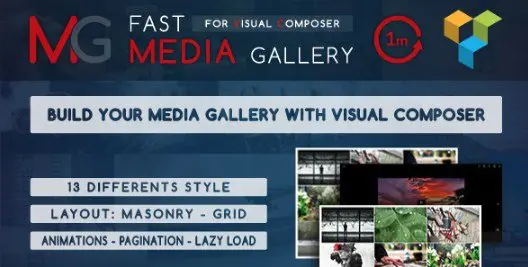
Fast Media Gallery for Visual Composer is a WordPress plugin that gives Visual Composer users the ability to build media galleries directly within their page layouts. The plugin acts as an additional gallery element, so there is no need to copy shortcodes or switch between different tools. You stay in the Visual Composer interface while selecting images, choosing a layout, and adjusting options. The gallery handles the front-end display, meaning the plugin outputs the full HTML, CSS, and JavaScript needed to show your images properly. Since it is an add-on for Visual Composer, the gallery element can be placed anywhere you normally place a content block. The result is a media gallery that follows the same structure as the rest of your page. Its configuration is designed to be straightforward, so you can set up a gallery without dealing with code. This integration makes the gallery a natural extension of the Visual Composer editing experience.
Within the gallery settings you can pick from thirteen different layout styles. Two of those styles are Masonry and Grid. Masonry arranges images in a staggered, brick-like pattern where images of different heights fill the space naturally. Grid places images in a consistent row-and-column arrangement with equal spacing. Beyond the overall style, the plugin allows you to set the number of columns anywhere from one to nine. A single column gives you a focused, large-image presentation, while nine columns create a dense, compact grid. The combination of style and column settings gives you a wide range of presentation options without needing to touch custom CSS. All of this is handled inside the gallery element, so you do not have to leave Visual Composer to adjust the look. The layout choices are applied per gallery, meaning different galleries on the same site can have completely different structures. You can also switch styles at any time without restructuring the gallery.
To keep large galleries manageable, the plugin includes two different pagination styles. Pagination divides your images into separate pages, which prevents the gallery from becoming a long, slow-to-load list. You can choose between two navigation styles to match the look of your site. The plugin also includes a lazy load effect. With lazy loading, images below the fold are only loaded when the visitor scrolls near them. This reduces the initial download size and makes the gallery feel more responsive, especially on mobile connections. In addition, the gallery comes with transition animations. These animations run when images appear or when you navigate between paginated pages, giving the gallery a smooth visual flow. All three features are part of the plugin's standard functionality, so you do not need to add extra scripts or external libraries. You can enable or disable each behavior based on how you want the gallery to perform. That control is useful for balancing visual effects with page speed.
Configuration is one of the plugin's main strengths. Everything you need to set up a media gallery is located within the gallery element settings, so the process is compact. You decide on a layout style, choose the column count, pick a pagination style, and then attach images from your media library. The lazy load and animation options are also part of the same panel, which means you set up the entire gallery in one place. Because the plugin is tied to Visual Composer, the gallery element behaves consistently with the other elements you already use. There is no need to learn a separate interface or remember specific shortcode attributes. The configuration options are grouped logically, making it easy to find the setting you are looking for. That ease of use does not limit what the gallery can do, but it does keep the setup time low. The end result is a gallery that fits naturally into your existing page-building routine.
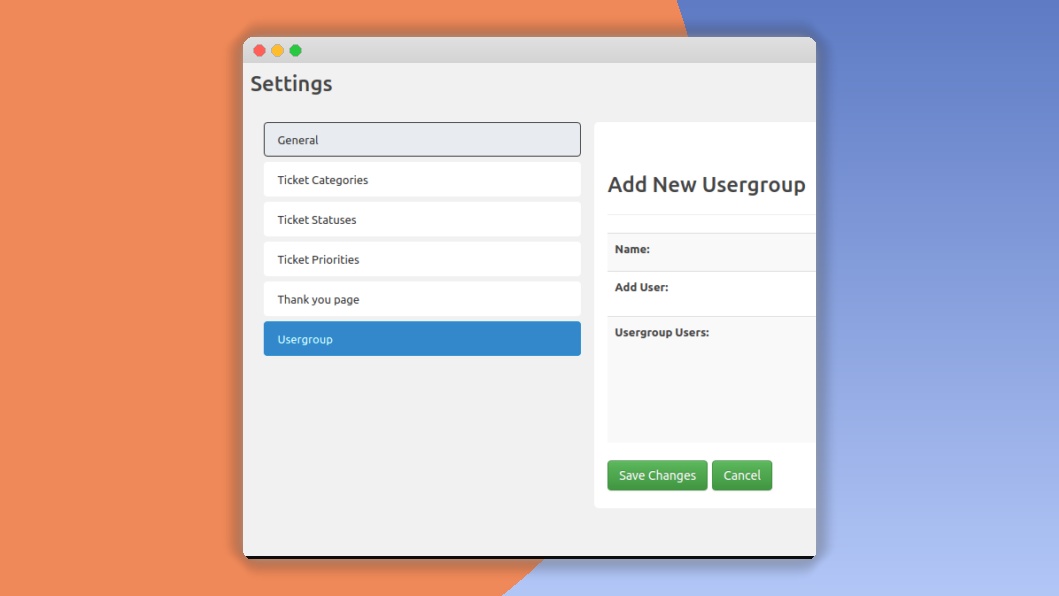
 SupportCandy
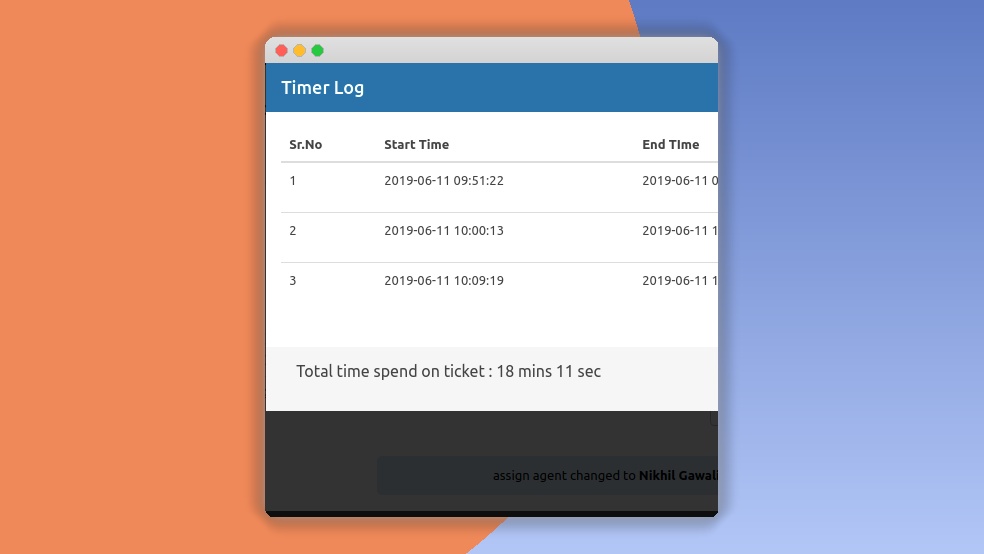
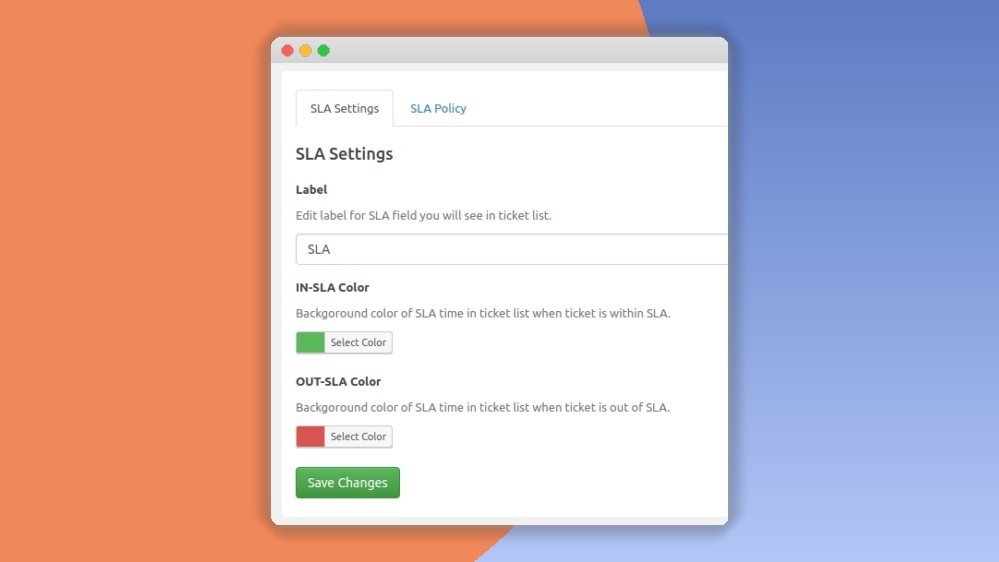
- Item type
- plugin
- Category
- Wordpress Plugins
- Version
- 3.1.3
- Availability
- In stock
- Delivery
- Digital
- Last updated
- August 4, 2026
Fast Media Gallery For Visual Composer is listed in Wordpress Plugins as a plugin. The supplied description, preview, version, price, and recorded product details are collected here for review.
Usage rights depend on the license selected at checkout. Review the complete terms before using this item for client work, redistribution, SaaS, or more than one end product.