Modal Popup box Elementor Addon 1.0.1
Wordpress Plugins Codecanyon 4.8 (561 reviews)
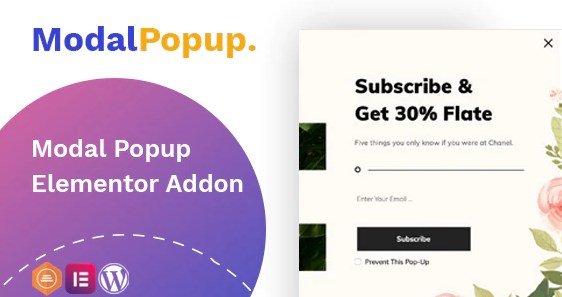
Modal Popup box Elementor Addon is a plugin that works exclusively with Elementor, the popular drag-and-drop page builder for WordPress. It adds a dedicated popup widget to the editor, allowing you to construct modal windows without writing code or juggling separate plugins. Instead of relying on an external service, you design the popup inside the same canvas you already use for your pages and posts. The extension is sold on Codecanyon as a commercial addon and is currently being redistributed through Woocrack. That means you are receiving the same packaged plugin that buyers would download from the original developer. For anyone who builds sites with Elementor, this simply inserts a missing piece of functionality: a flexible modal builder that behaves like a native part of the builder. You open the popup editor, add any Elementor widgets, and arrange them on a blank canvas, just as you would with a regular page.
The popup windows themselves are highly customizable. You decide the width, height, background color, border, and corner radius using the standard Elementor style controls. The content area works like any Elementor layout, so you can include images, text, buttons, videos, or other widget elements. Because the popup is built inside Elementor, you can reuse saved templates you already made. You also control how the modal behaves and when it appears. Display rules let you choose which pages show the popup and what triggers it. You set the trigger to match your needs, whether that means appearing automatically or after visitor actions. All of this is configured without writing code. The addon is designed so that anyone who has used Elementor will recognize the interface and find the settings straightforward. There is no separate dashboard to learn; you simply work with the same controls for position, spacing, and animation used in regular content.
Installing the addon is similar to installing any other WordPress plugin. After you install and activate it, a new popup type appears inside the Elementor editor. When you create a popup, you design it in a dedicated area rather than in a separate screen. This keeps the workflow simple and reduces the need to switch between different parts of the website. The addon depends on Elementor being active, so it only functions on sites that already use that builder. That also means there is no learning curve for the popup interface; it is the same toolbar, widgets, and settings panels you normally use. You can attach the popup to any page, post, or the whole site. Once configured, the popup respects the theme’s styling and can be styled to blend in with the rest of the design. The configuration panel is laid out clearly, with sections for content, conditions, and display rules.
The package you download from Woocrack is the exact .zip file that appears on the original Codecanyon listing. No files have been altered, renamed, or patched. Woocrack checks the archive for viruses before it is released, so you are getting a clean copy of the same plugin that official buyers receive. There is no separate registration key or special installation step required; you upload the plugin through the WordPress admin panel and activate it just like any other addon. After activation, the popup widget is available to use immediately. Since this is a third-party distribution, you should check the original product page on Codecanyon to see the latest feature notes and any documentation. The addon is intended for users of Elementor who want a straightforward way to add modals to their projects without building them from scratch. As long as you are comfortable with Elementor, this addon should feel familiar from the moment you start creating your first popup.
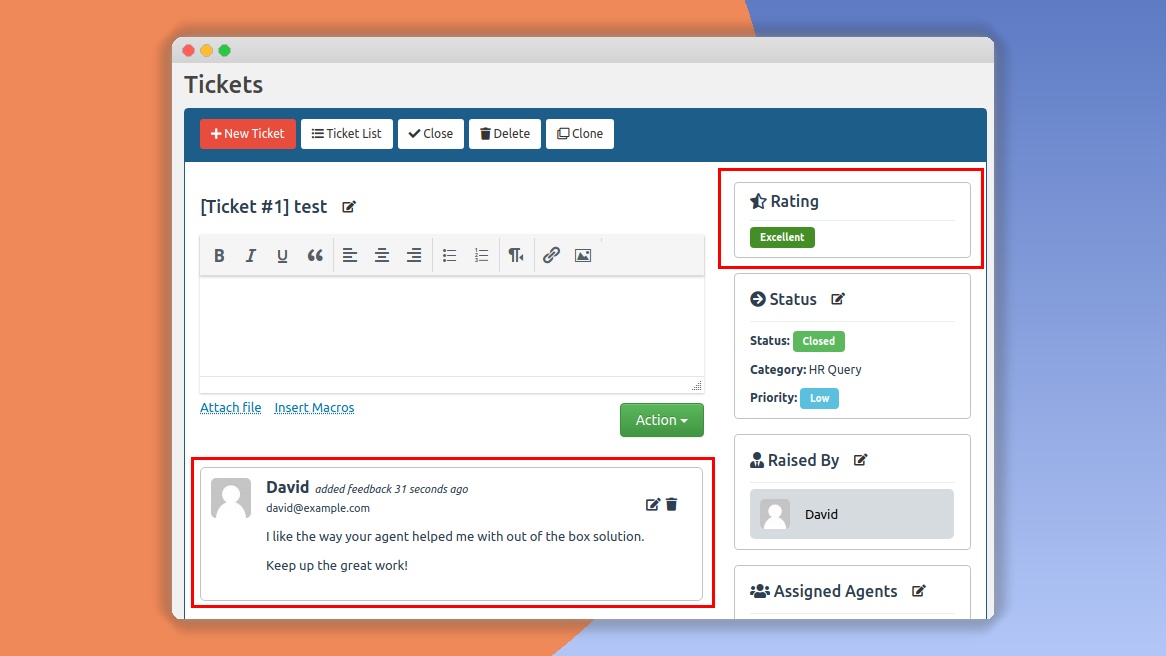
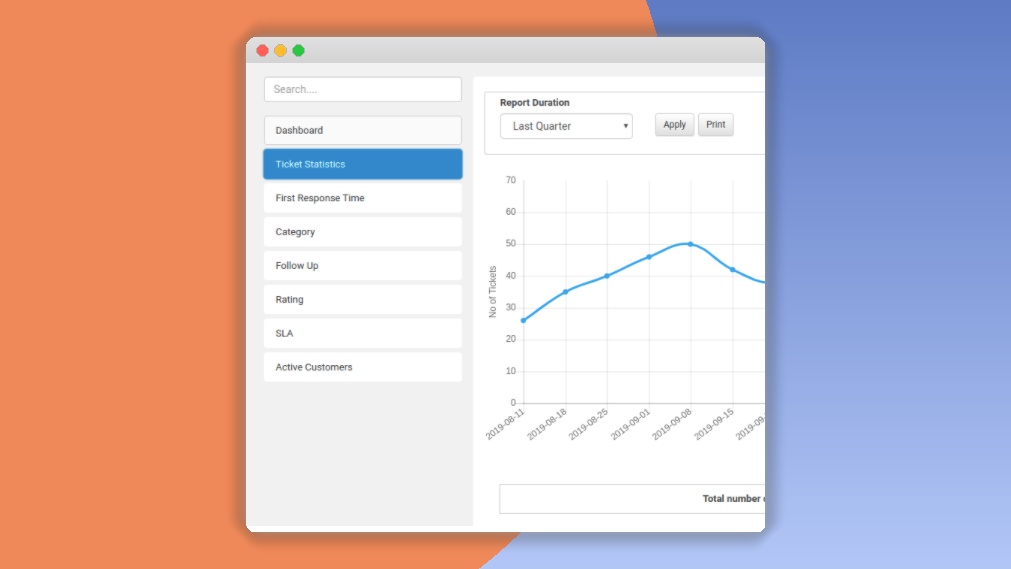
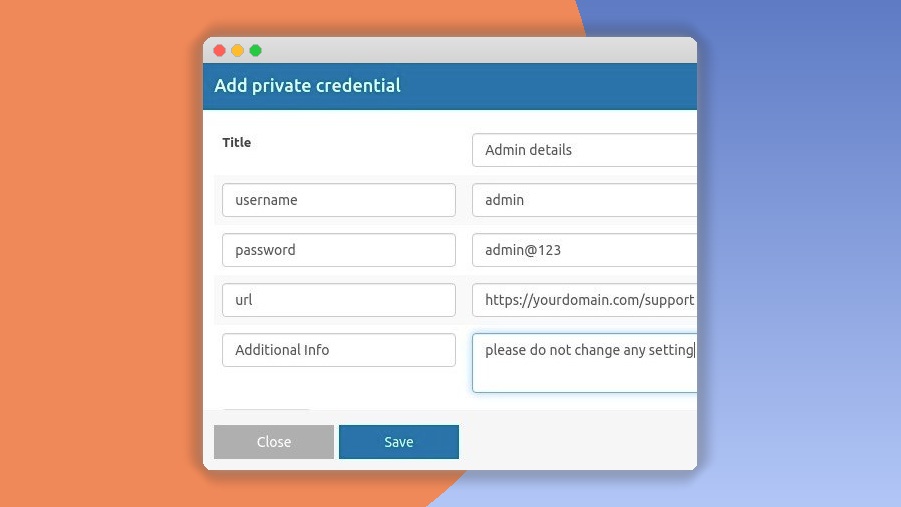
 SupportCandy
- Item type
- template kit
- Category
- Wordpress Plugins
- Version
- 3.1.2
- Availability
- In stock
- Delivery
- Digital
- Last updated
- August 9, 2026
This page summarizes the available listing data for Modal Popup box Elementor Addon in Wordpress Plugins. The item type is recorded as template kit, with further details shown below.
Usage rights depend on the license selected at checkout. Review the complete terms before using this item for client work, redistribution, SaaS, or more than one end product.