SupportCandy Automatic Close Ticket 3.0.7
Wordpress Plugins SupportCandy 4.8 (2.5K reviews)
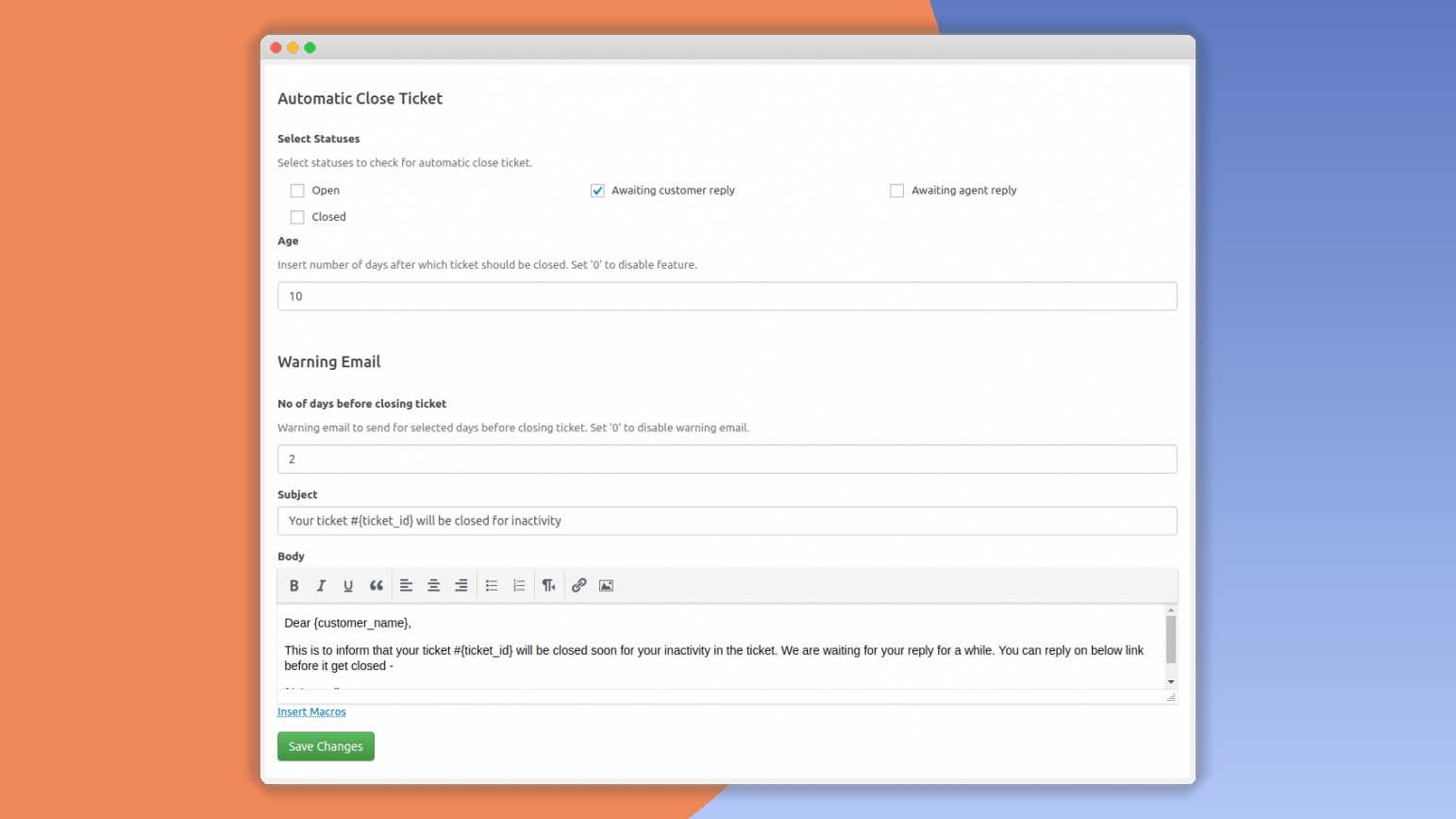
SupportCandy Automatic Close Ticket is an addon for the SupportCandy WordPress plugin that handles the busywork of closing stale support threads. After you install and activate it, the plugin watches your existing ticket queue for conversations that have gone quiet for a set amount of time. When a ticket passes that inactivity threshold, the addon closes or archives it automatically. This keeps your support dashboard from filling up with old, abandoned requests. You remain in control of the entire process. The plugin does not touch any ticket that has seen recent replies, and it only acts on the conditions you define. Once the rule is in place, your support team no longer needs to scroll through the backlog deciding which tickets are dead and which are still worth chasing. The automation does that job in the background, and it does not interfere with tickets that are currently being worked on.
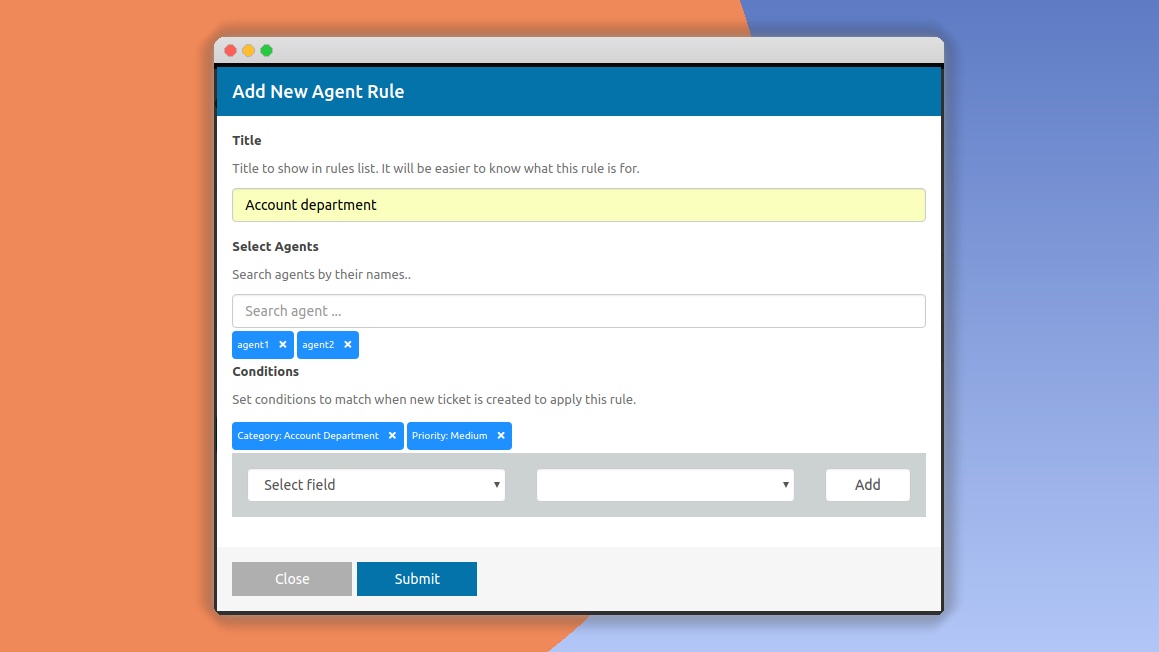
You decide how long a ticket must sit idle before it gets closed. The inactivity period can be set in hours or days, letting you match the rule to your team's working rhythm. You also pick which ticket statuses are eligible for automatic closure, such as pending or on hold. If you want to warn customers first, the plugin can send an email before closing, and the message shown afterward is fully customizable. Teams that prefer a quiet approach can turn the notification off. If a customer replies before the cutoff, the timer resets and the ticket stays open. Exclusion rules let you skip specific ticket types or agents, and a bulk action tool clears out older inactive tickets in one pass. All settings live inside the SupportCandy settings area, so no extra page is needed. The whole configuration takes a few minutes, and changes apply immediately to any new or existing ticket that matches your criteria.
The main effect of this addon is that your support queue stays focused on real, ongoing issues. Instead of manually reviewing dozens of old tickets to check for replies, agents see only conversations that still matter. A closed ticket can be reopened when the customer returns, so the automation does not permanently delete anything. The notification email gives customers a clear heads-up and a way to keep their request alive, which reduces the chance of someone feeling ignored. Because the plugin runs on a schedule, it also works overnight and during weekends, so tickets do not pile up when nobody is watching. Agents can then use their time for solving problems rather than sorting through the backlog. Customers are never left guessing whether their request is still being worked on. Either they receive a warning email, or they return to find the ticket closed and understand it was treated as resolved. Should they still need help, reopening the ticket is straightforward.
This addon is built specifically for the SupportCandy help desk plugin, so the core plugin must be installed and activated for it to work. Installation follows the usual WordPress flow: upload the plugin file, activate it, and then open the SupportCandy settings to configure the closure rules. The addon is lightweight and built to run quickly, so it does not slow down your site even with large ticket databases. It follows WordPress security best practices and works with standard WordPress hosting. The interface is responsive, meaning the settings pages remain usable on a phone or tablet. Regular updates keep the addon aligned with newer versions of SupportCandy and PHP. The only external dependency is the SupportCandy core plugin. Configuration settings are stored directly in the WordPress database, matching how the rest of SupportCandy works. That means nothing extra runs on an external service, and your support data stays where you already keep it.
 SupportCandy

- Item type
- plugin
- Category
- Wordpress Plugins
- Version
- 2.2.2
- Availability
- In stock
- Delivery
- Digital
- Last updated
- August 9, 2026
SupportCandy Automatic Close Ticket is listed in Wordpress Plugins as a plugin. The supplied description, preview, version, price, and recorded product details are collected here for review.
Usage rights depend on the license selected at checkout. Review the complete terms before using this item for client work, redistribution, SaaS, or more than one end product.