Flatible - Single Page HTML5 Template Latest Version
HTML Templates Themeforest 4.8 (3.0K reviews)
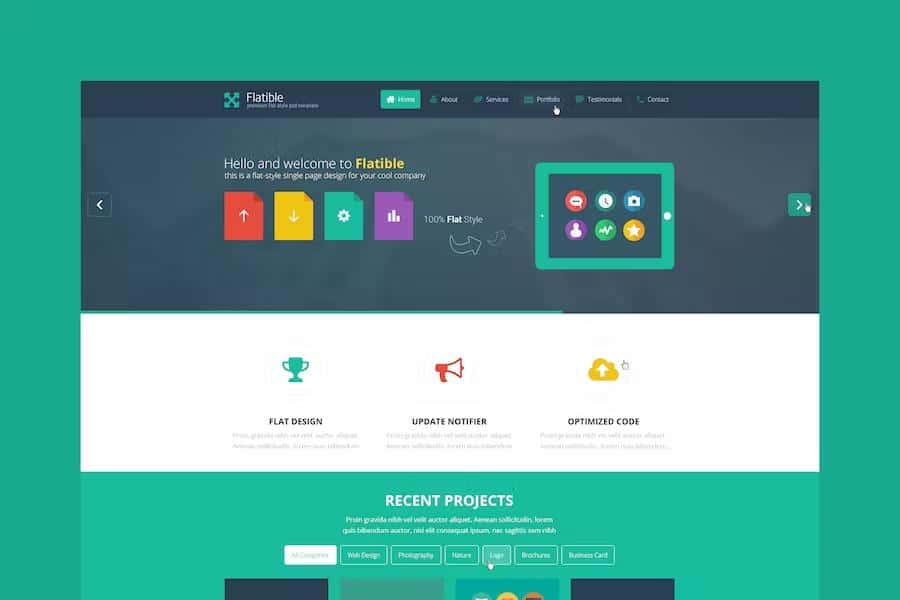
Flatible is a single-page HTML5 template designed for people who need a straightforward online presence without clutter. Built on the Bootstrap framework, the grid system and components are instantly recognizable to most web developers. Every section adapts to mobile phones, tablets, and desktop screens automatically. The visual style leans toward a clean, modern aesthetic with plenty of white space, making it suitable for portfolios, small business sites, or personal landing pages. A set of CSS3 effects and subtle animations adds movement to page elements without slowing down the browsing experience. Code is organized and commented, which simplifies the process of adjusting colors, fonts, and spacing. Documentation is included, walking you through the setup process from unzipping the folder to publishing the finished page. One thing to keep in mind: the images shown in the demo preview are only for visual reference. These files are not part of the download package, so you will need to supply your own photos or graphics.
Both beginners and experienced developers can find a home in this template. Minimal coding knowledge is needed to get a functional page up and running, but the underlying structure is solid enough for deeper customization. HTML and CSS are clean and well spaced, without unnecessary bloat or messy inline styles. Efficient code helps the page load quickly, which matters for keeping visitors engaged. You will find the main sections clearly separated in the markup, so moving blocks around or duplicating components is not a difficult task. A working contact form is included, letting visitors send messages directly to an email address you configure. There is also a Google Map integrated into the page, useful for showing a business location or a physical workspace. These elements come with instructions on how to update the necessary details, such as the recipient email and the map coordinates. This combination of a functional form and map makes the template far more practical than a static mockup.
Visual details are handled with the same level of care. Font Awesome icons are used throughout the template for social links, feature lists, and service descriptions. These icons scale cleanly on any display and can be swapped out easily in the markup. Google Web Fonts are loaded from the standard library, bringing a professional typography set without requiring you to host font files. A logical hierarchy guides the eye from the top navigation down to the footer, keeping the design consistent across every section. Colors are defined in the CSS file, so changing the entire palette can be done by editing just a few variables or replacing values in the stylesheet. Such flexibility gives you control over the look and feel without rebuilding the template from scratch. Navigation stays simple because there are no internal pages to manage, which reduces maintenance work. Compact marketing pages and creative portfolios benefit from this format, as the focus remains on a handful of key messages.
For portfolio-oriented projects, the template includes a filterable portfolio section. A set of buttons lets visitors sort projects by category, such as branding, web design, or photography. The filtering works smoothly with CSS and jQuery, and the layout reflows naturally as items are hidden or shown. Each portfolio item can link to an external page, a lightbox, or simply remain as a visual showcase. Everything is documented in the included guide, including how to add new items and adjust the category labels. The template does not impose a rigid structure, so you can remove, reorder, or rename sections to match the content you plan to publish. Since the file set is purely front-end, you can host the finished page on any static web server or integrate it into a larger project. Flatible gives you a solid starting point that handles the presentational groundwork, leaving you free to focus on the content.
Related products
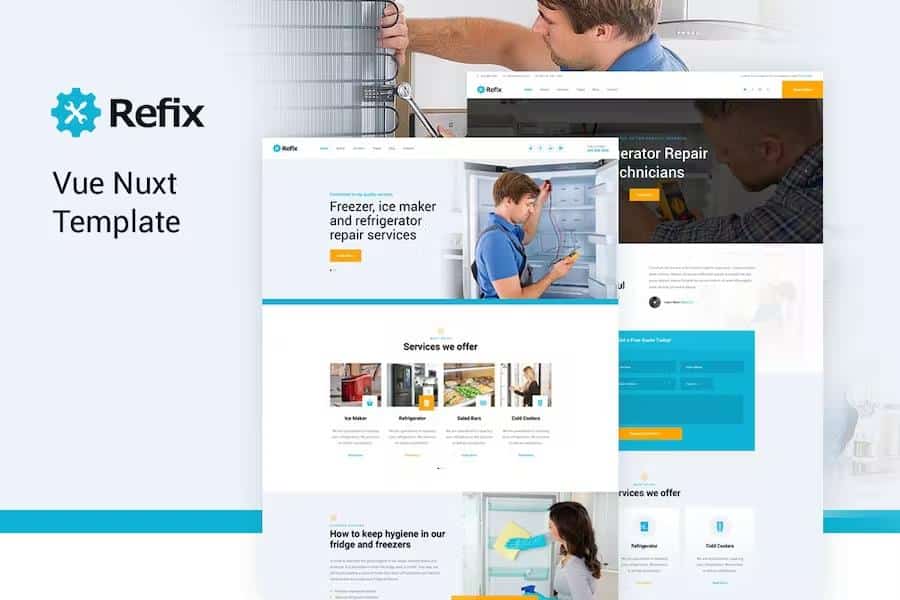
Refix - Vue Nuxt Fridge & Freezer Repair Company Template
 Themeforest
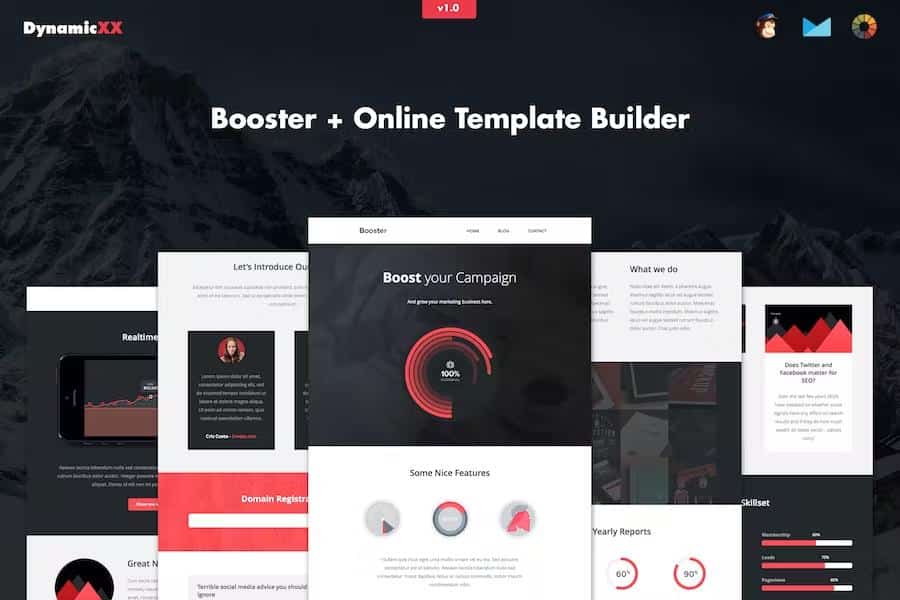
Booster - Business and multipurpose (Bootstrap 4 and Gulp) HTML Template
Themeforest
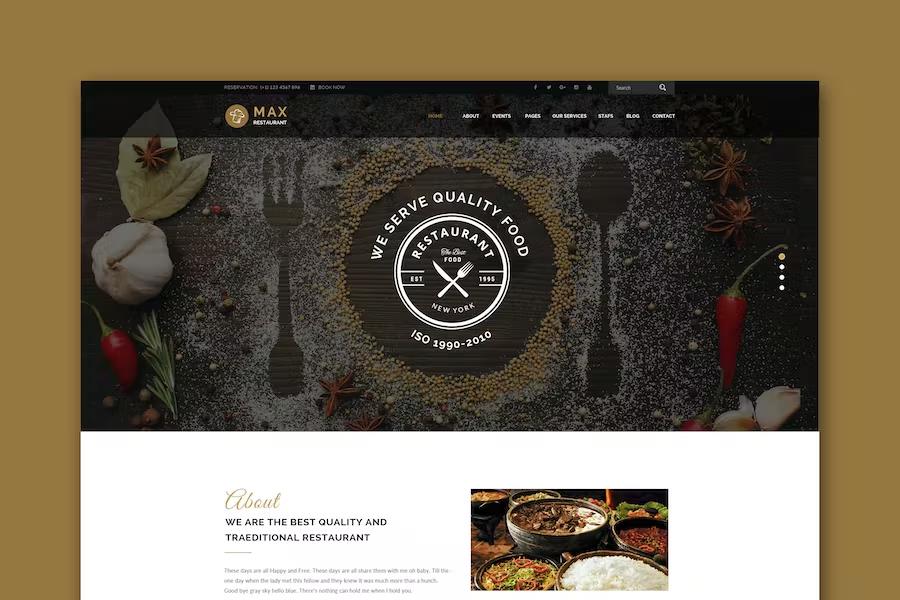
Max Restaurant - Responsive HTML Template
Themeforest
- Item type
- template
- Category
- HTML Templates
- Version
- Latest Version
- Availability
- In stock
- Delivery
- Digital
- Last updated
- August 15, 2026
For shoppers browsing HTML Templates, Flatible - Single Page HTML5 Template is recorded as a template. The page below separates supplied product information from general store and license terms.
Usage rights depend on the license selected at checkout. Review the complete terms before using this item for client work, redistribution, SaaS, or more than one end product.